The filter option will show only data containing the text entered in the filter box.
For example, typing “hdt” in the box will only show data containing the text “hdt”.
Device ID sending the data
Group, hover over to receive additional information
Received sentence from source
UTC time received message
Time between last received message
Figure 22.6.3 - Description list items
22.7 BAM Tool
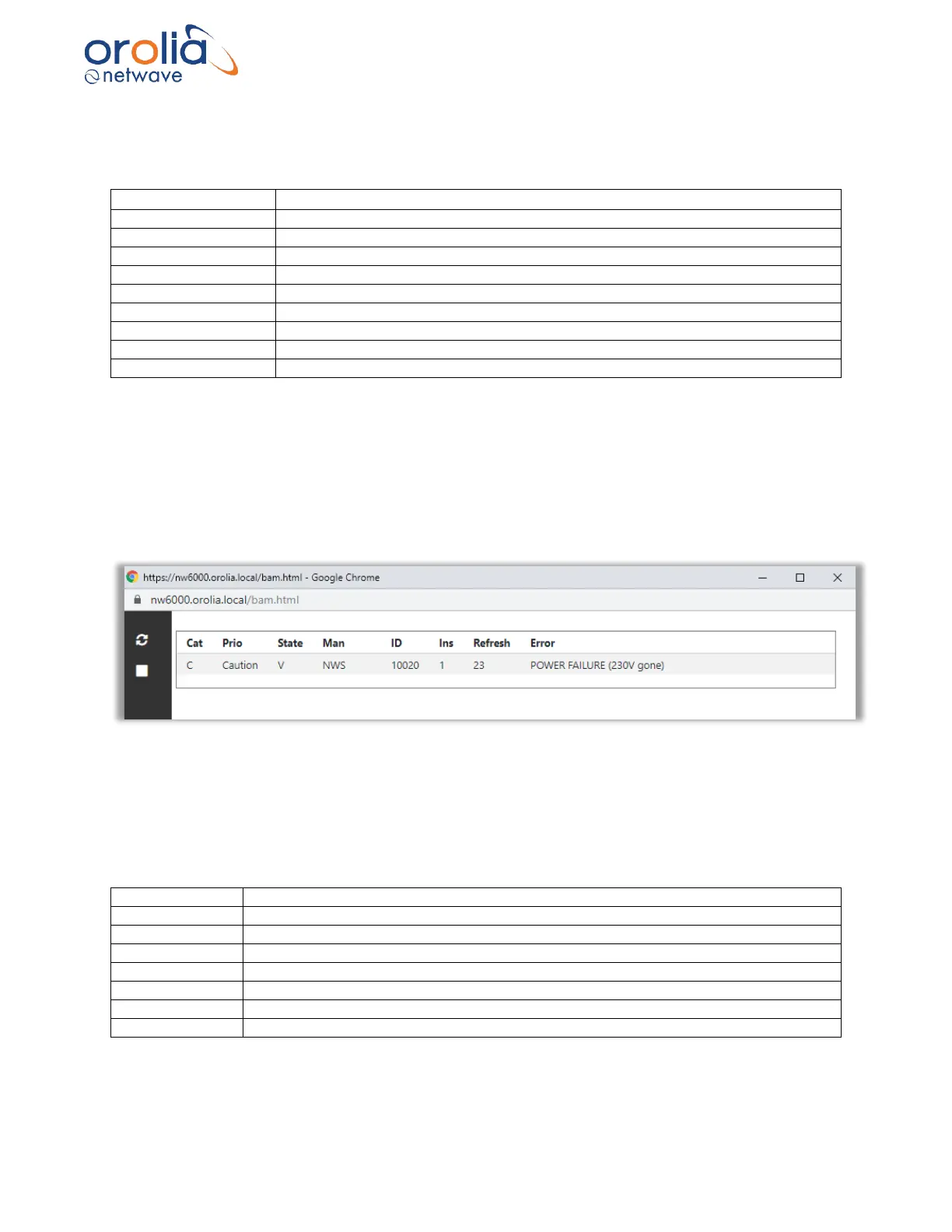
This BAM tool monitors, in real time, BAM alert messages and displays them in a list. The BAM
Interface specification contains a list with ID’s and descriptions.
Figure 22.7.1 – Configurator page, BAM Tool
The buttons in the left menu from top to down have the following functionality.
Refresh clears BAM table.
Stop stops receiving BAM messages.
Category of alert message. Hover over to receive additional information.
Manufacturer mnemonic code
Alert identifier. See Annex IV for the complete list
Time in seconds since last refresh
Figure 22.7.2 – Description BAM list items



 To Next Page