5.4 Starting the Playback Application
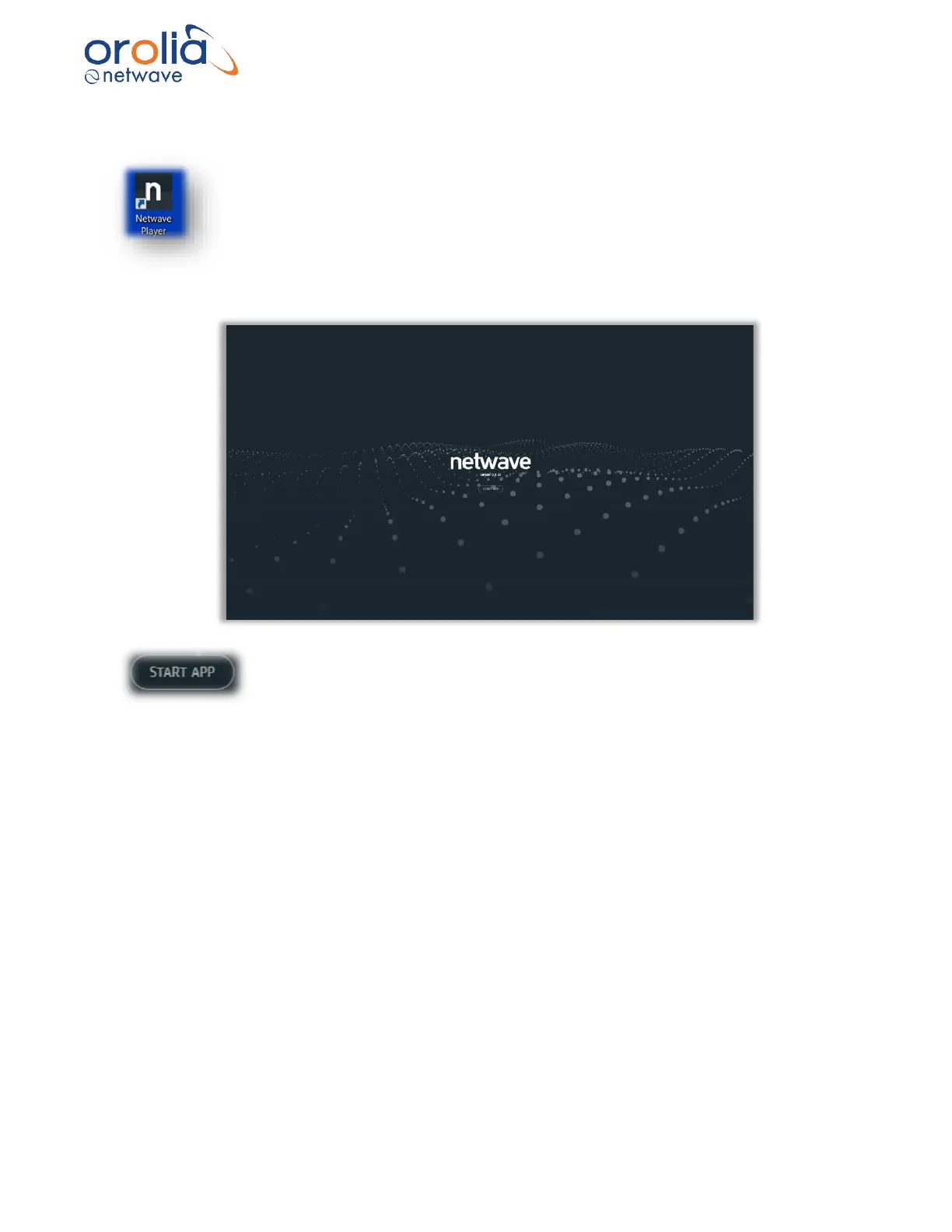
The player can be started by pressing the Desktop icon for the player placed
during installation.
Once the player has started the Start App screen is displayed. This is used to launch
player sessions.
Click on Start App to start a playback session.
The session can be used to playback a previously stored dataset or alternatively to download
a dataset from a storage device which subsequently can be played back using the player.
Tip: The player will start the app by opening a previous dataset if it still exists. With larger
datasets this can take some time opening before the player is ready to start a session. This can
be disabled by holding the left CTRL key when clicking the START APP button. In this case the
user will have to either do a download or manually select a dataset to start a session.



 To Next Page