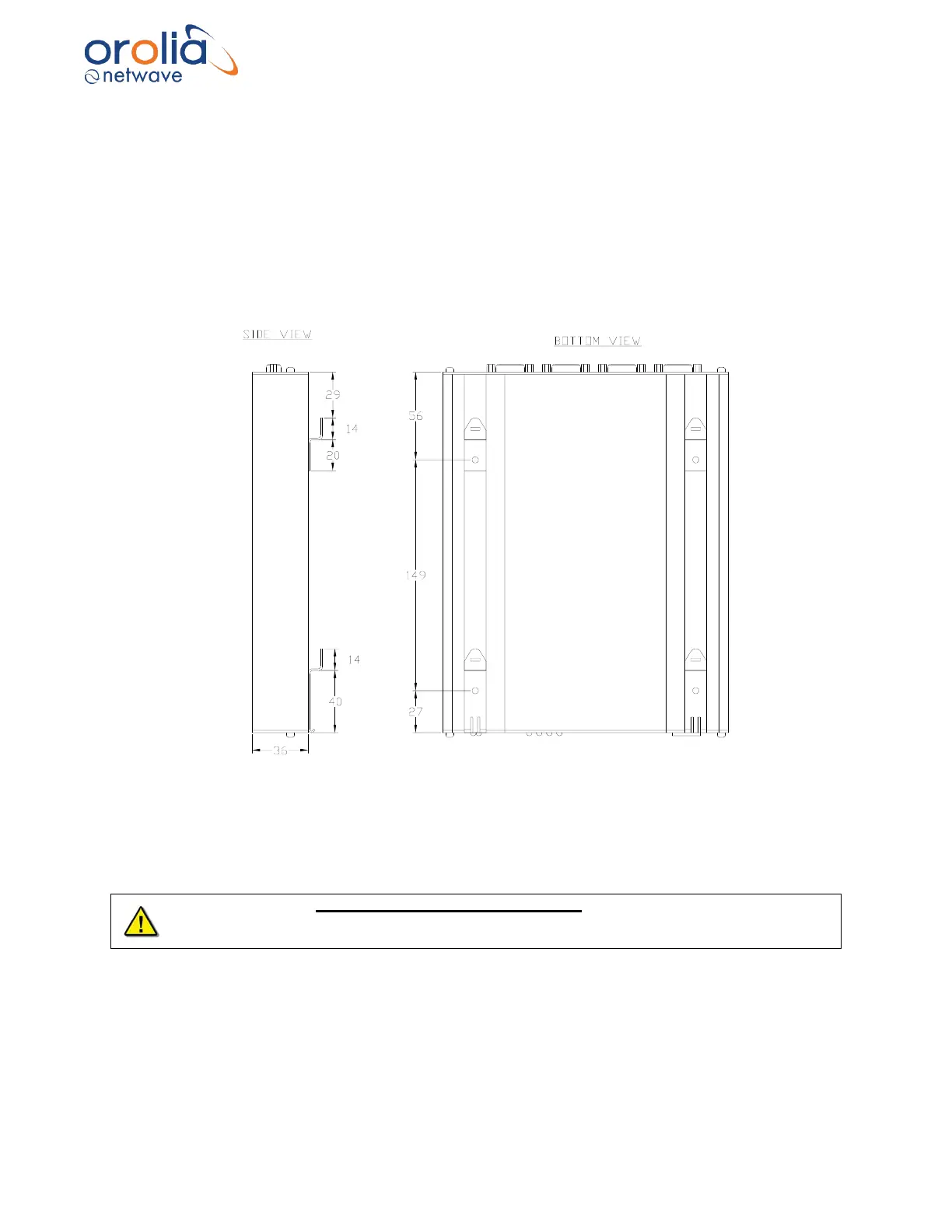
10.2 Location and mounting
When only one video channel is connected to the video module, the module is often mounted in
the bottom cabinet of the source radar. When more than a single display needs to be recorded a
practical location must be found considering minimal cable length between the (i.e. radar / ECDIS)
displays and the interface. The Video Module is designed to be mounted on two rows of 35mm
“Top Hat” style DIN Rail, two strips of DIN Rail must be installed. The module is held in place with
clips on the back.
NOTE: The DIN Rail is NOT supplied with the Video Module.
Figure 10.2.1 - Video Module DIN Rail Clips
Alternative mounting method would be to remove the 4 DIN Rail clips from the back of the Video
Module and use 2 strips of high-quality heavy-duty Velcro (not supplied) to attach the Video
Module to a clean and dry prepared surface within the radar cabinet.
The Video Module must be grounded firmly to the ship using the ground stud on the rear of
the module. This grounding must be done regardless of which mounting method is chosen by
the installer.



 To Next Page