19.4.4 Configuring the LWE video
To configure the video channels via the LWE 450 protocol, please take the following steps.
1. Connect to the NW6000 Web pages at https://nw6000.orolia.local
2. Make sure all video channels are enabled and are sending data over the VDR network.
3. Press SCAN on the Configurator “Probe” page, the VDR will now search for all available
video channels.
4. The video channels will become visible in the NEW DEVICES list based on the
configured identifiers (i.e. EC0001 and RA0001). Add these to the INSTALLED DEVICES
list.
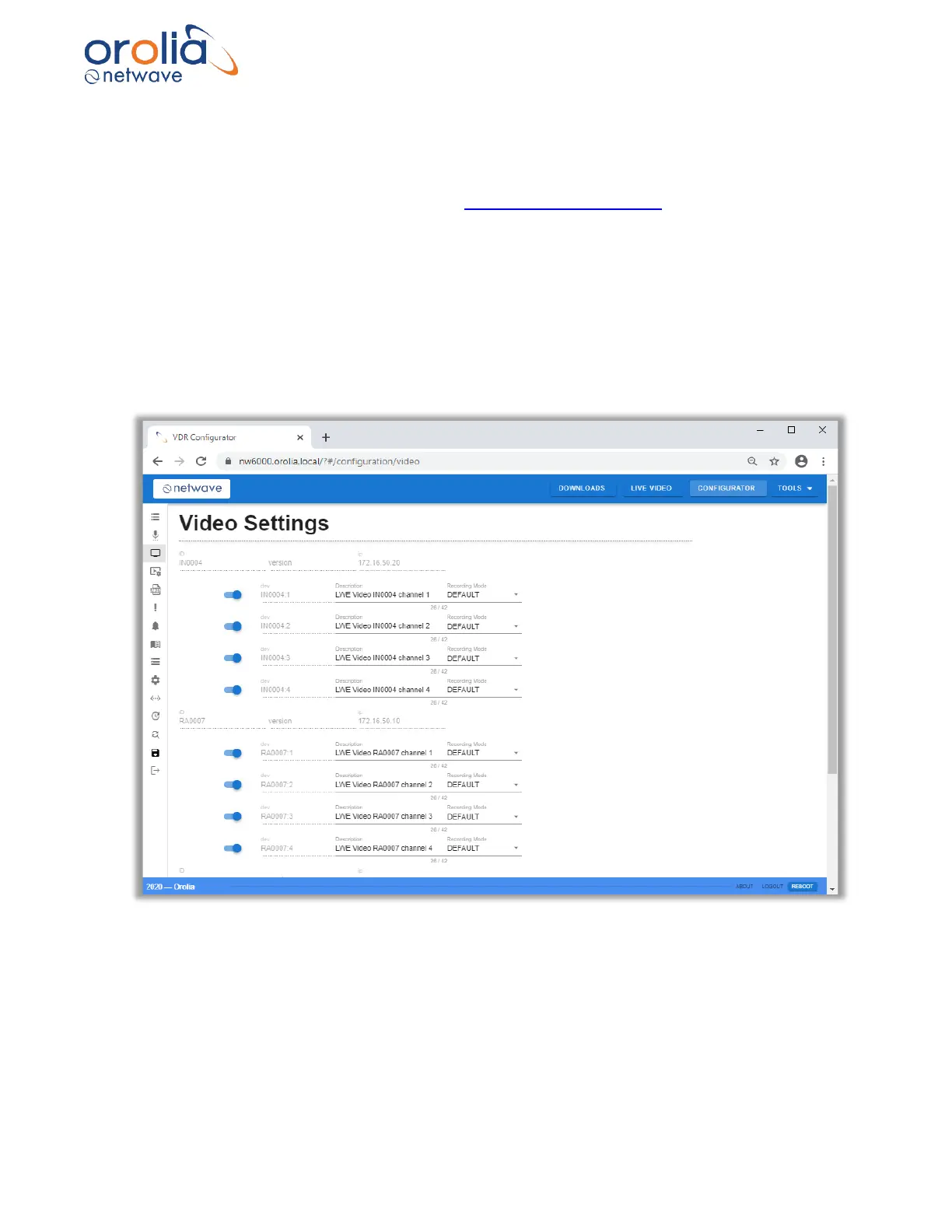
5. Select the VIDEO SETTNGS page to see details on each video source that has been
added or is already available.:
6. Based on the information from the device, the Description, location, source and timeout
field will be preconfigured, please update to ensure a correct representation of the situation
on board the vessel.



 To Next Page