22.2 Installing Orolia VDR Certificate
After upgrading the core module from v1.5.17 or later, access the VDR with http://172.16.8.2 to
download the “Installer Orolia Certificate”. Save the downloaded file “setup-orolia-certificate.zip”
and uncompress the file with for example WinZip or 7Zip.
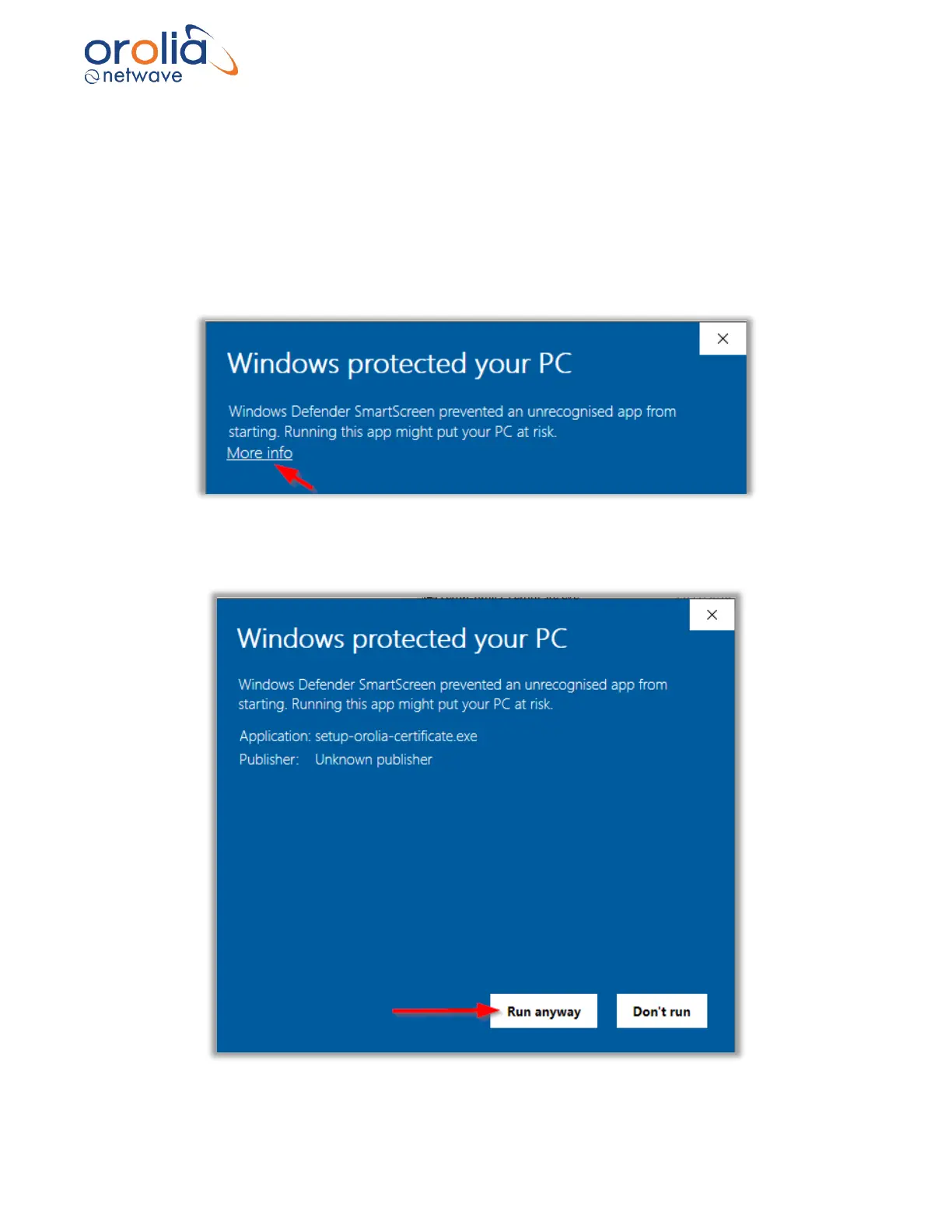
Execute the file “setup-orolia-certificate.exe”.
The following message can be shown by the Windows operating system.
Click on “More info” and press the “Run anyway” button…



 To Next Page