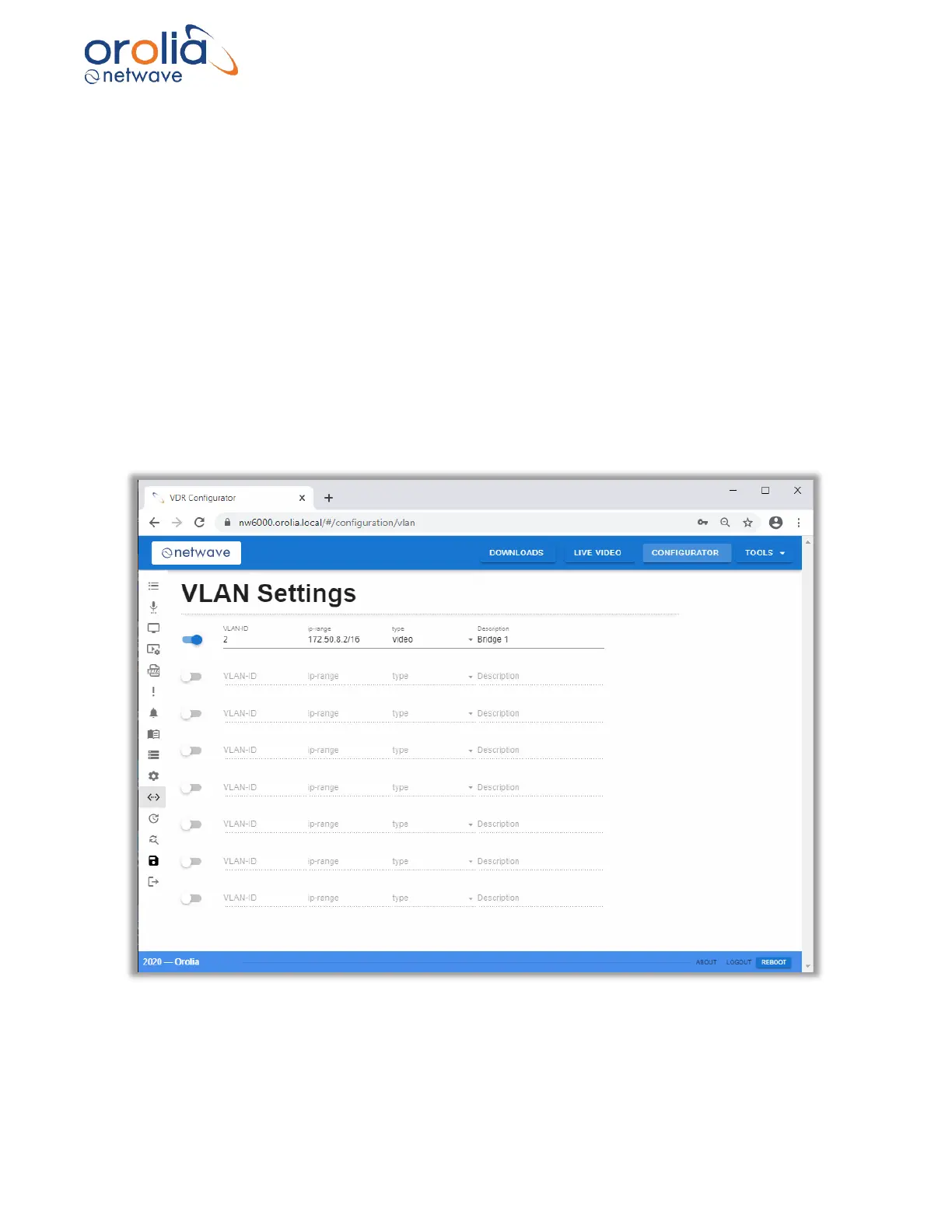
22.5.2 VLAN Settings
The NW6000 VLAN implementation relies on a separate VLAN enabled switch which is connected
to ETH1 on the VDR CPU. This requires a direct connection to this port in the core module.
The VLAN-ID and associated network(s) are configured independently.
NOTE: The VLAN switch on ETH1 needs to be configured independently. The ports used need
to match the VLAN-ID associated with the networks in the VDR.
The Network Config address control box uses CIDR notation to specify the network, the prefix and
the IP address of the VDR on a VLAN e.g. 172.50.8.2/16 configures the VDR VLAN network as
follows:
1) Network is 172.50.0.0 to 172.50.255.255
2) Network mask is 255.255.0.0
3) VDR IP address is 172.50.8.2
Figure 22.5.2.1 – Configurator page, VLAN settings



 To Next Page