19.3 Change of type of the VDR
There I no longer the ability to change the type of the VDR as in the older Player V1.
The VDR is now configured via it’s web pages.
19.4 Configuring the VDR
For configuring the VDR, use a laptop with specifications as described above.
Connecting to the VDR enables access to its configuration files once the user has been
authenticated using their username and password.
Configuration of the VDR settings is available for authenticated users. Changes are committed to
the VDR by saving them once they have been configured. Once saved the VDR will reboot and
the newly saved configuration settings will be used.
19.4.1 On-line check of incoming data.
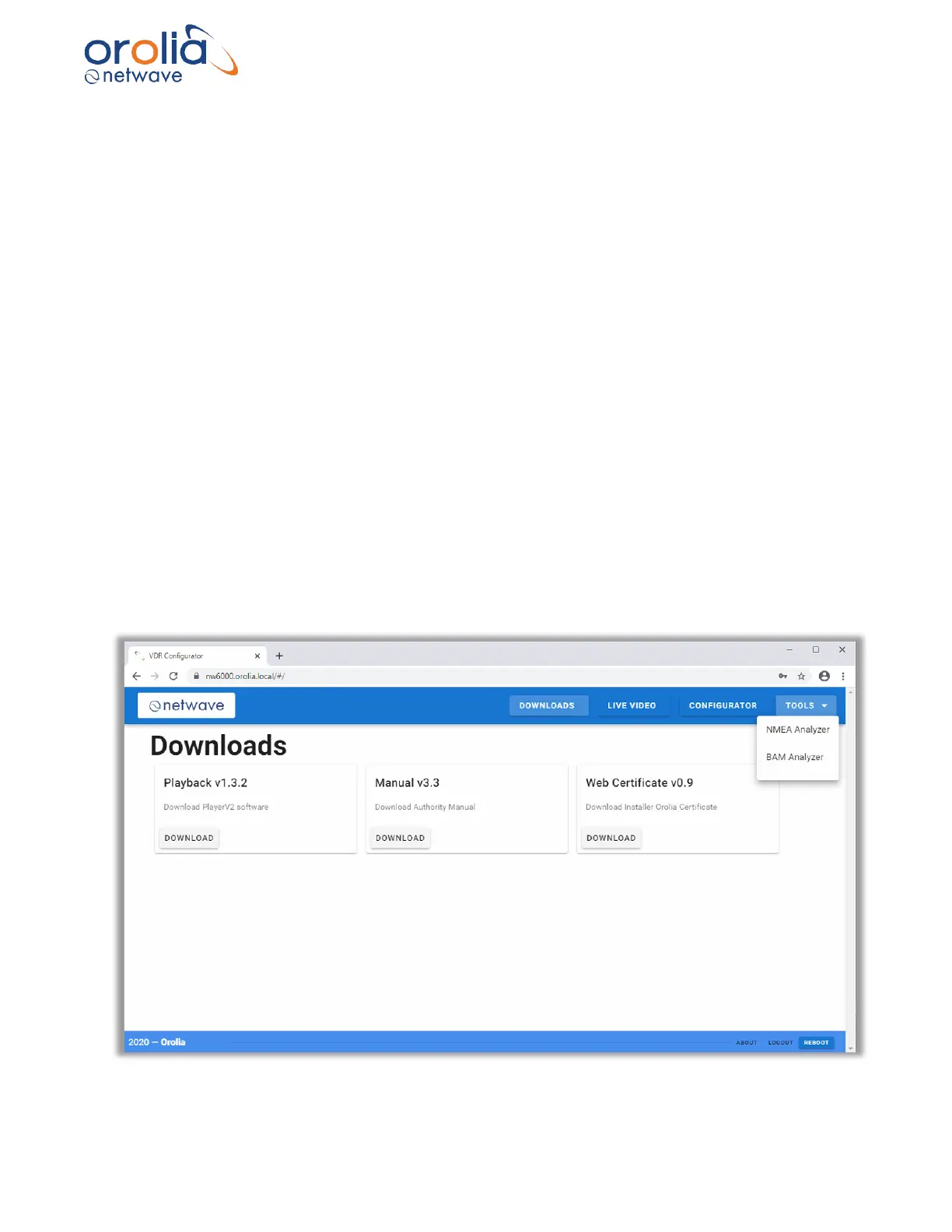
Currently the NW600 provides the facility to show NMEA received data and Live Video for
sources that have been configured. This requires that the user runs a “probe” and commits
devices to the VDR using the Save function.
After reboot the Live Video and NMEA Analyzer can be used to show incoming data…



 To Next Page