Copyright © 2012 NEXCOM International Co., Ltd. All Rights Reserved.
46
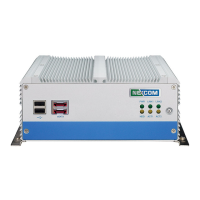
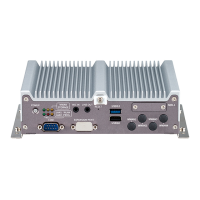
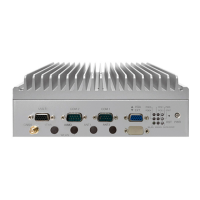
NISE 104 User Manual
Chapter 4: BIOS Setup
Advanced
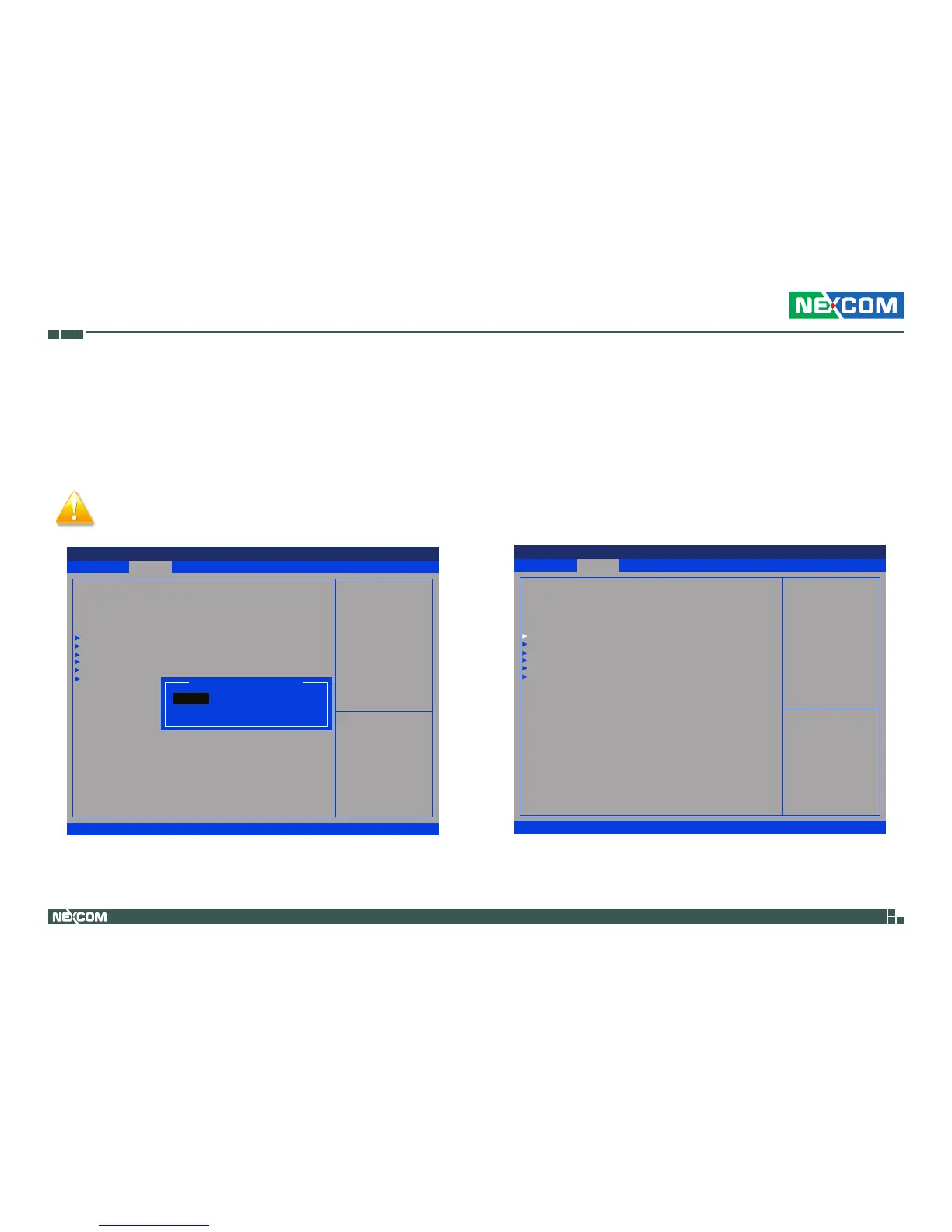
Launch LAN1/2 PXE OpROM
Enables or disables the boot option for legacy network devices connected
to LAN1 and LAN2.
CPU Configuration
This section is used to configure the CPU.
The Advanced menu allows you to configure your system for basic operation.
Some entries are defaults required by the system board, while others, if
enabled, will improve the performance of your system or let you set some
features according to your preference.
Setting incorrect field values may cause the system to
malfunction.
Save & Exit
Advanced Chipset Boot SecurityMain
Version 2.14.1219. Copyright (C) 2011 American Megatrends, Inc.
Aptio Setup Utility - Copyright (C) 2011 America Megatrends, Inc.
→←: Select Screen
↑↓: Select Item
Enter: Select
+/-: Change Opt.
F1: General Help
F2: Previous Values
F3: Optimized Defaults
F4: Save & Exit
ESC: Exit
Enable or Disable Boot Option
for Lan1
Legacy OpROM Support
Launch Lan1 PXE OpROM
Launch Lan2 PXE OpROM
CPU Conguration
IDE Conguration
USB Conguration
Super IO Conguration
H/W Monitor
PPM Conguration
[Disabled]
[Disabled]
Launch Lan1 PXE OpROM
Disabled
Enabled
Save & Exit
Advanced Chipset Boot SecurityMain
Version 2.14.1219. Copyright (C) 2011 American Megatrends, Inc.
Aptio Setup Utility - Copyright (C) 2011 America Megatrends, Inc.
→←: Select Screen
↑↓: Select Item
Enter: Select
+/-: Change Opt.
F1: General Help
F2: Previous Values
F3: Optimized Defaults
F4: Save & Exit
ESC: Exit
CPU Conguration Parameters
Legacy OpROM Support
Launch Lan1 PXE OpROM
Launch Lan2 PXE OpROM
CPU Conguration
IDE Conguration
USB Conguration
Super IO Conguration
H/W Monitor
PPM Conguration
[Disabled]
[Disabled]


 To Next Page