Copyright © 2012 NEXCOM International Co., Ltd. All Rights Reserved.
56
NISE 104 User Manual
Chapter 4: BIOS Setup
Fixed Graphics Memory Size South Bridge
Azalia Controller
This section disables Azalia or enables HD Audio.
SMBus Controller
This section is used to configure SMBus.
High Precision Timer
This section is used to configure High Precision Event Timer.
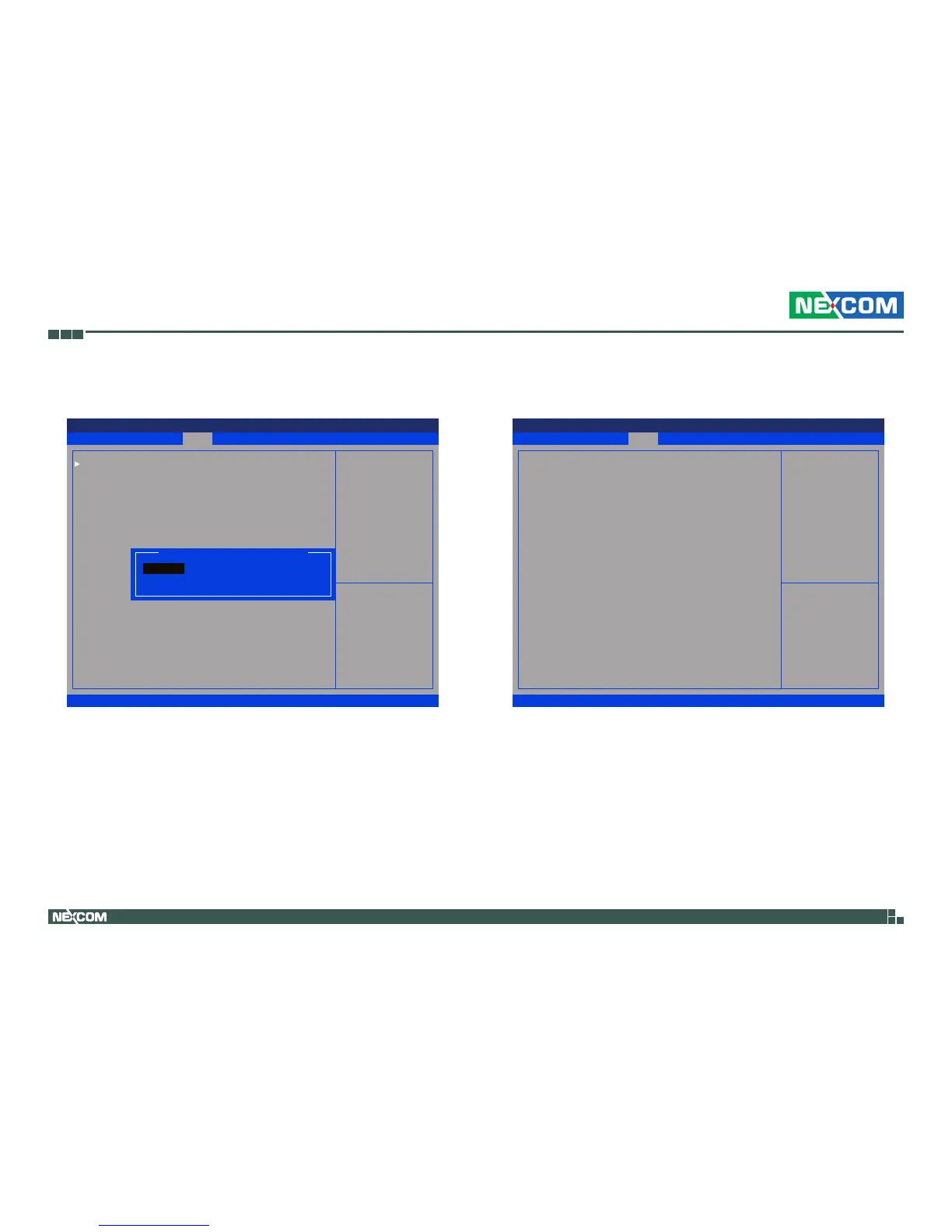
This field is used to configure the memory size of the fixed graphics, the
options are 128MB and 256MB.
Save & Exit
Advanced
Chipset Boot SecurityMain
Version 2.14.1219. Copyright (C) 2011 American Megatrends, Inc.
Aptio Setup Utility - Copyright (C) 2011 America Megatrends, Inc.
→←: Select Screen
↑↓: Select Item
Enter: Select
+/-: Change Opt.
F1: General Help
F2: Previous Values
F3: Optimized Defaults
F4: Save & Exit
ESC: Exit
Congure Fixed Graphics
Memory Size
Intel IGD Conguration
IGFX - Boot Type
Fixed Graphics Memory Size
[CRT + HDMI]
[128MB]
Save & Exit
Advanced
Chipset Boot SecurityMain
Version 2.14.1219. Copyright (C) 2011 American Megatrends, Inc.
Aptio Setup Utility - Copyright (C) 2011 America Megatrends, Inc.
→←: Select Screen
↑↓: Select Item
Enter: Select
+/-: Change Opt.
F1: General Help
F2: Previous Values
F3: Optimized Defaults
F4: Save & Exit
ESC: Exit
Select AC power state
when power is re-applied
after a power failure.
Azalia Controller
SMBus Controller
High Precision Event Timer Conguration
High Precision Timer
Restore AC Power Loss
[HD Audio]
[Enabled]
[Enabled]
[Power On]
Fixed Graphics Memory Size
128MB
256MB


 To Next Page