27
English
X-COM2
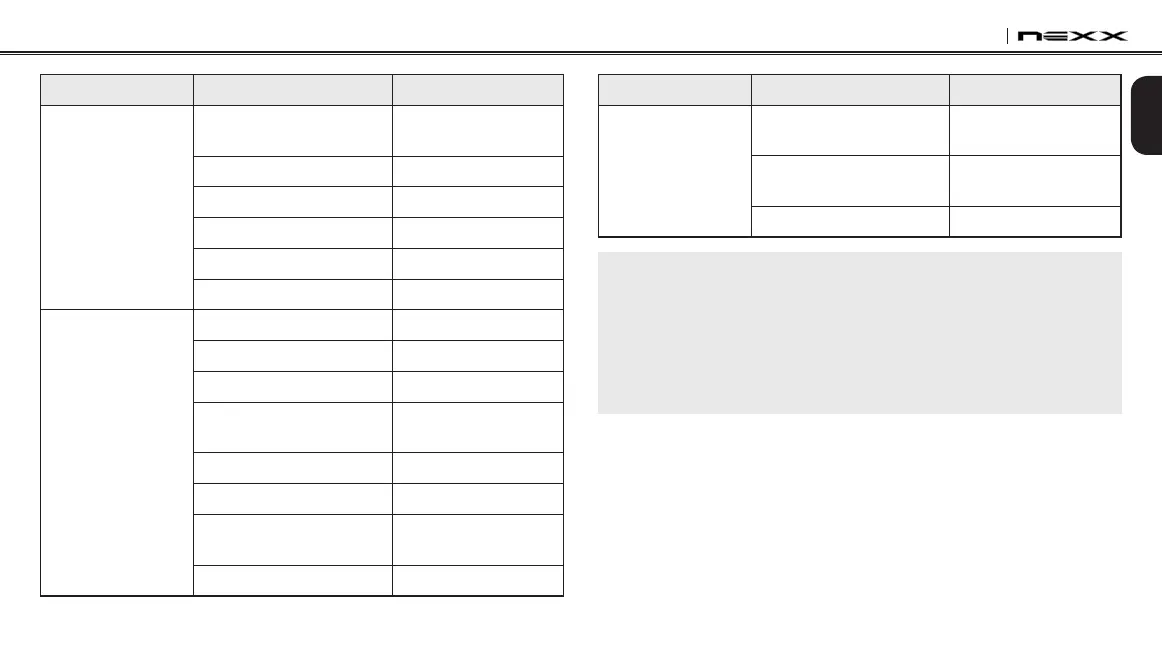
Mode Status Function Voice Command
Music / FM Radio
Next track (music) / next
preset (FM radio)
“Next”
Previous track (music) /
previous preset (FM radio)
“Previous”
Stop music / FM Radio “Stop”
Note:
1. Voice command performance may vary based on the environmental
conditions including riding speed, helmet type and ambient noise. To
improve the performance, minimize the wind noise on the microphone by
using the large microphone sponge and closing the visor.
2. To activate the voice command during non-stand-by functions, tap the
Center Button and the (-) Button simultaneously.
12.1 Voice Command Setting (Default: Enable)
You can enable or disable Voice Command through the Device
Manager or the Smartphone App. When Voice Command is enabled,
you can use your voice to give a command so that the Bluetooth
system operates certain operations completely handsfree. If Voice
Command is disabled, you will need to operate all of the functions
using the buttons on the Bluetooth system.
Mode Status Function Voice Command
Standby/Intercom
Start/End each intercom
“Intercom
[one, two, … , nine]”
End all intercoms “End intercom”
Call last intercom “Last intercom”
Group intercom
“Group intercom”
Intercom pairing
“Pairing intercom”
Cancelling operations “Cancel”
Standby/Music/
FM Radio
Play/Pause music “Music” or “Stereo”
Turn on/off FM radio
“FM radio”
Check battery
“Check battery”
Speed dialing
“Speed dial
[one, two, three]”
Redial the last call
“Redial”
Voice command help
“What can I say?”
Check connected devices
“Connected
devices”
Congurationmenus
“Conguration”


 To Next Page