8
X-COM2
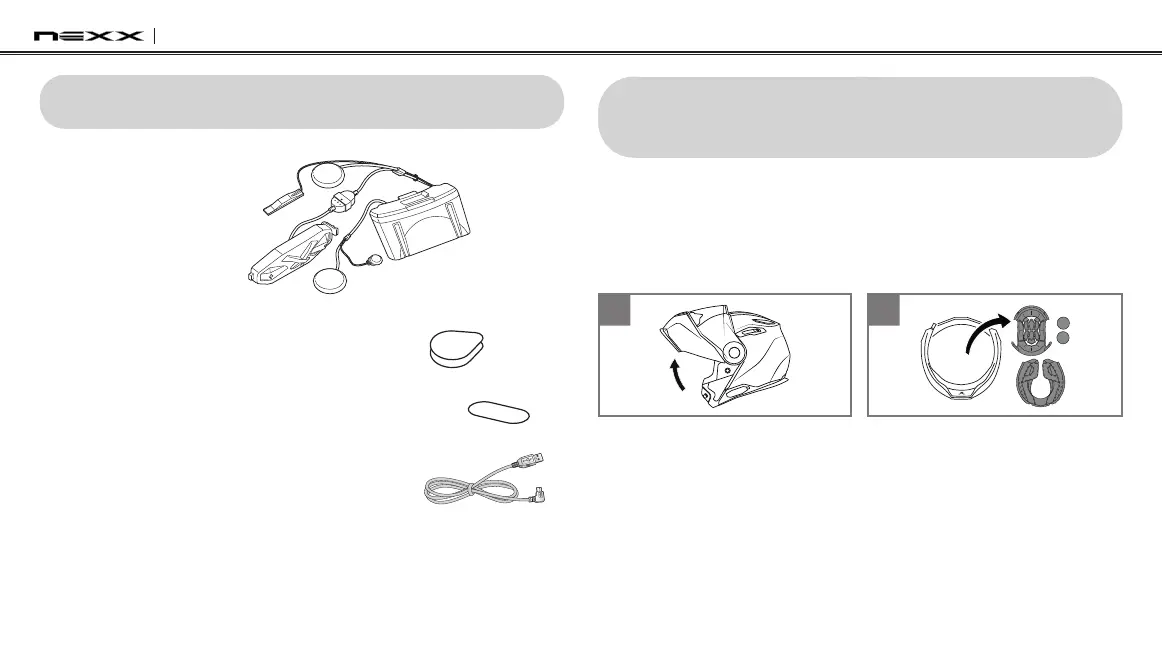
2 PACKAGE CONTENTS
•HeadsetMainUnit
•HookandLoopFastenersforSpeakers(2)
•HookandLoopFastenerforWiredMicrophone
•USBPower&DataCable(MicroUSBType)
3 INSTALLING THE X-COM2 ON YOUR
HELMET
To securely install the X-COM2 on the helmet, please follow this
procedure.
1. Lift the face cover completely.
2. Remove the inner parts from the helmet.
1 2
3. Remove the cover that protects the cavity for the battery and the
electronic system.
4. Insert the battery and the electronic system in the cavities on the
back of the helmet.


 To Next Page