4.3 Basic Settings and Operations
35
WF1973/WF1974
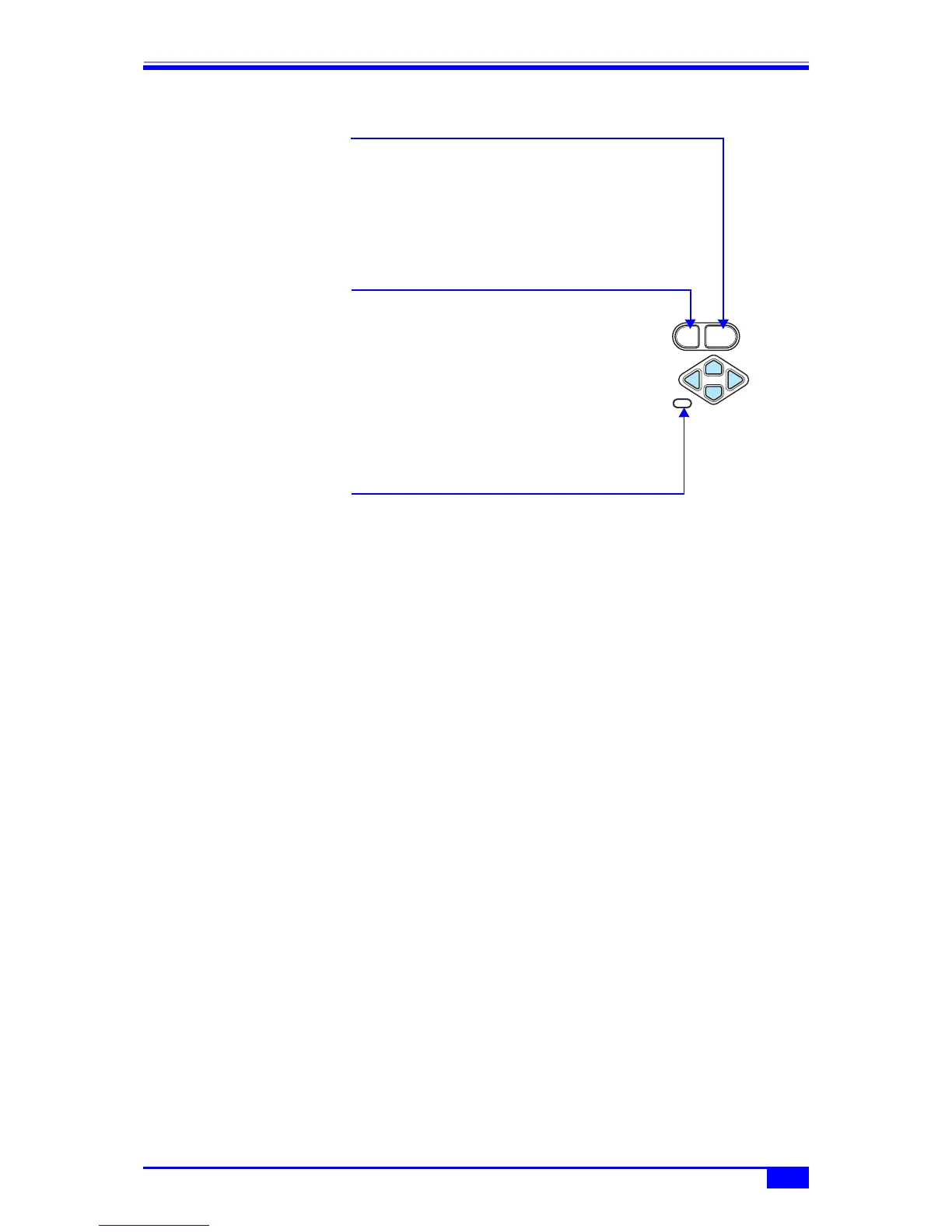
4.3.4 Operations of ENTER key, CANCEL key, and UNDO key
ENTER
CANCEL
UNDO
■ ENTER key operation
The ENTER key can be used to perform the following actions.
・Open the input field or choice list for the selected item
・Set the value input from the numeric keypad
・Perform the function of the button displayed on the screen
■ CANCEL key operation
The CANCEL key can be used to perform the following cancellation
actions. However, once a setting has been changed, the original
setting cannot be returned to (this can be done with the UNDO key
described next).
・Close an input field or choice list
・Discard a value input from the numeric keypad
・Return a changed value to the original value with the modify knob
・Close the setting window or dialog box
■ UNDO key operation
The UNDO key can be used to restore the settings changed by using
the ENTER key or the modify knob. Changes to settings that have
been automatically executed as the result of the user's
manipulations can also be restored to the original settings.
When the UNDO key is pressed again immediately following undo
manipulation, the settings are restored to their state before undo.
It should be noted, however, that undo does not work for some
items.



 To Next Page