46
Chapter 3: Data Analysis using TraceDrawer
3.1 Data Output
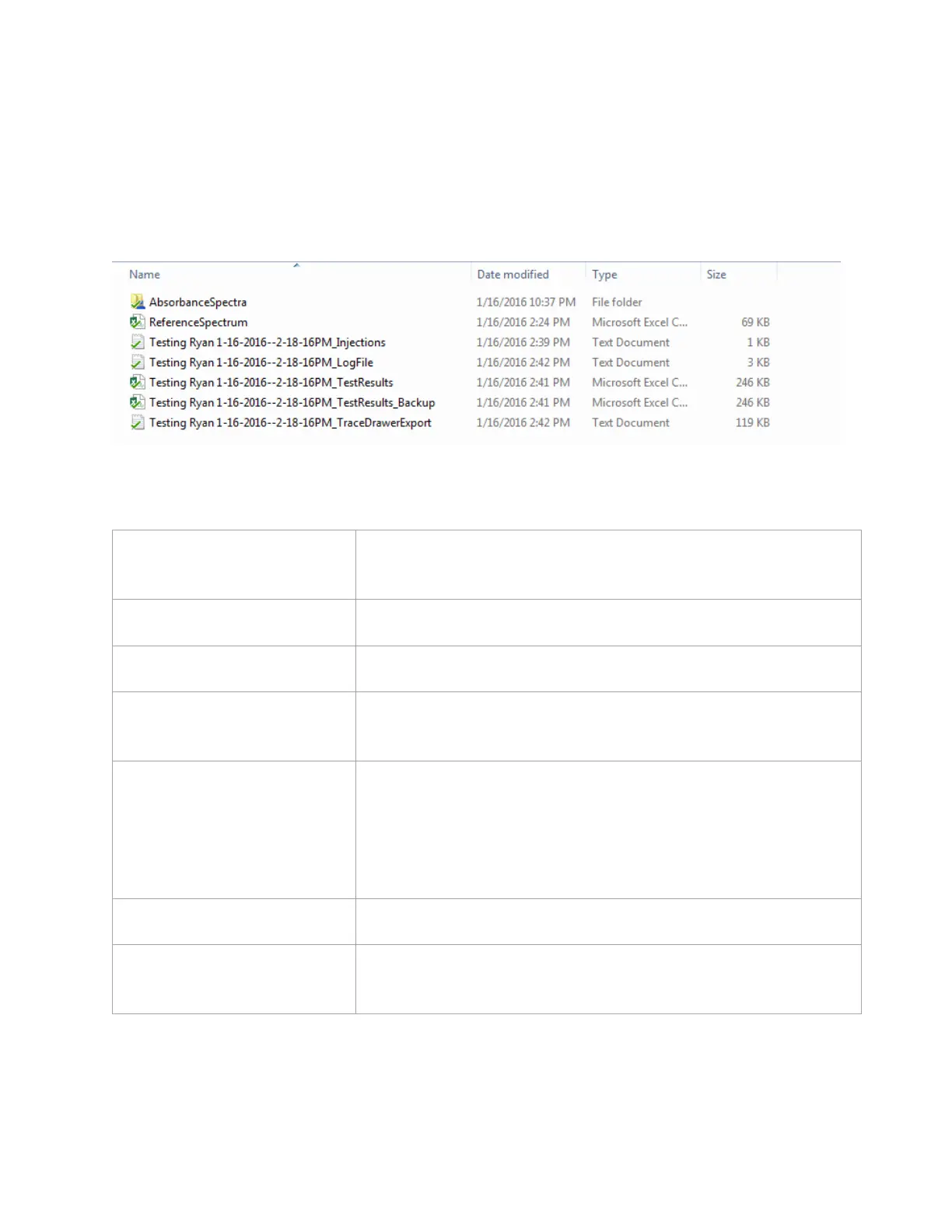
Once an experiment is complete, several types of data files are created. An example of the output
files created from a test is shown below [Figure 3.1]:
Figure 3.1 - Example of output files created after a test.
The corresponding file types are explained in the table below:
This folder contains absorbance spectra saved every time an
injection is made
The file contains the Dark and Bright references
This file lists all of the injections performed during the experiment
This contains all activities logged by the software during the
experiment
This is a CSV file of the response versus time throughout the entire
experiment, exactly as it was seen during the real experiment. It
also includes additional optical properties monitoring throughout
the experiment such as peak height, width, and sharpness,
injections, pump speed, and temperature readings
TestName_TestResults_Backup
A backup of the TestResults file
TestName_TraceDrawerExport
This is a file that has been formatted for TraceDrawer import. All
injections have been separated and zeroed in the X and Y



 To Next Page