44
ENSURE THAT THE SAMPLE COMPARTMENT DOOR REMAINS CLOSED OVER THE DURATION
OF THE TEST. THE AUTOSAMPLER WILL NOT OPERATE IF THE DOOR IS OPEN AND THE TEST
TIMING WILL BE INACCURATE AS A RESULT.
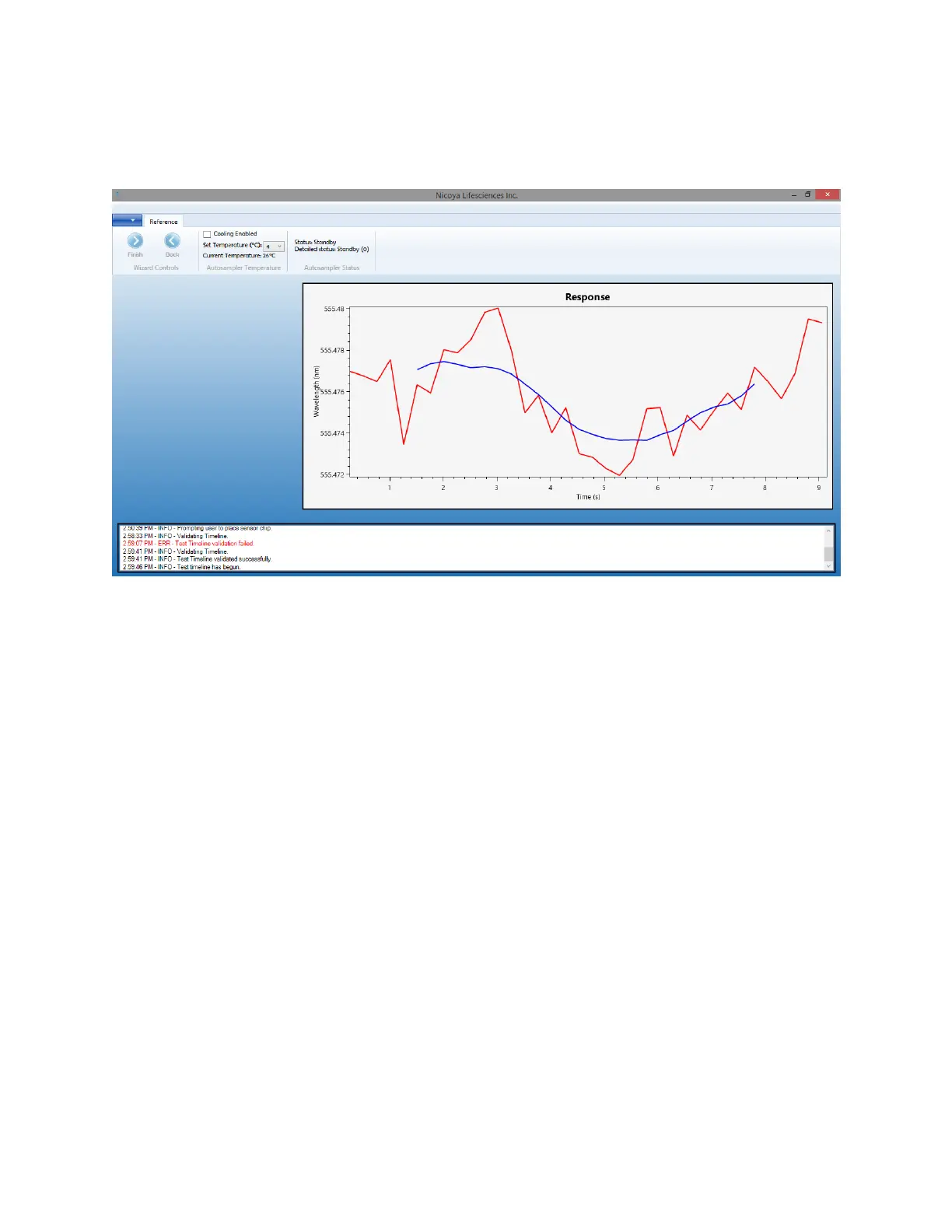
Figure 2.33 Test screen graphing real-time data aquisition.
The Test screen displays the Response graph, temperature controls as well as the autosampler
status.
2.2.6 Shut Down Procedure
1. At the end of the procedure set in the Test Timeline, the software will finish the test and
automatically export the experiment data into a .csv file and TraceDrawer (.txt) file. The data
files are saved in a folder specified by the test date and start time under
C:\Documents\OpenSPR\TestResults.
2. If no more tests are to be run within the day with the same running buffer, the system must
be flushed with DI water. To do this, place the inlet tubing into a container of DI water. Restart
the software, load previous reference spectra, and select Automatic fill of flow cell. This will
start the pump at maximum speed. Allow the pump to run for at least 15 minutes.
3. You may store the instrument with the Sensor Chip installed and filled with DI water. This is
convenient for the next experiment as the previous Sensor Chip can be left in place while
priming the instrument. The instrument can also be stored while filled with air, as long as it
has been sufficiently flushed with DI.
4. At this time it is recommended that the steps outlined in the “Instrument Maintenance and
Cleaning” section be followed to clean the system and ensure that future tests are not
contaminated by solutions used in past experiments.



 To Next Page