49
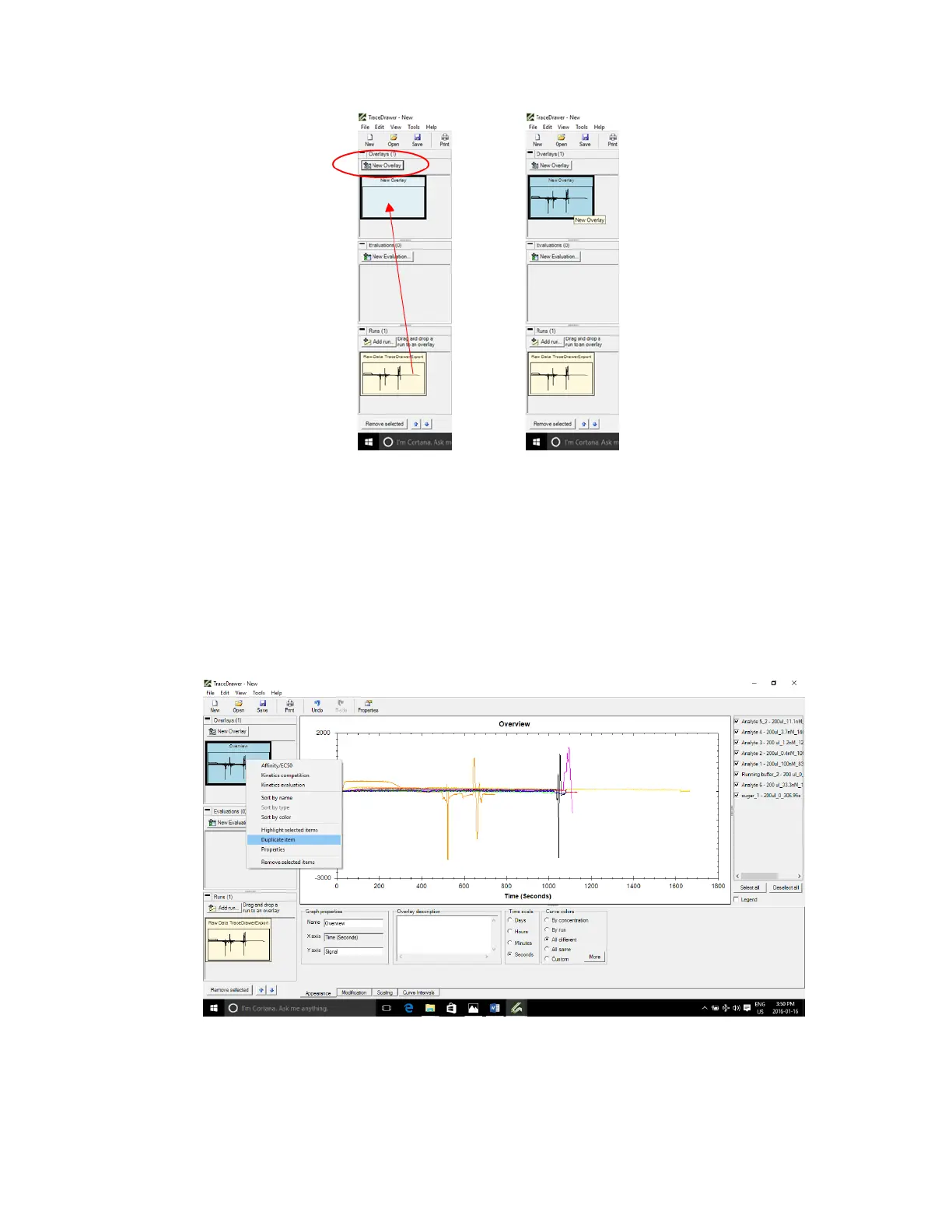
Figure 3.5 - Create a new overlay, then left click and drag the run into the overlay window (left). Updated window with run
added to overlay (right).
3.2.2 Data modifications
Note: not all modifications listed below are required for every analysis. Steps 4 to 8 are the most
commonly used in OpenSPR
TM
analysis.
4. Right click on the overlay created and press Duplicate item [Figure 3.6].
Figure 3.6 - Right-click overlay icon and select Duplicate item.



 To Next Page