just press the OK button as soon as we see the
fine-tuning screen so as not to change the default settings
for this particular White balance.
You’ll also find it convenient to change the White balance
settings by using external camera controls. We’ll examine
how next.
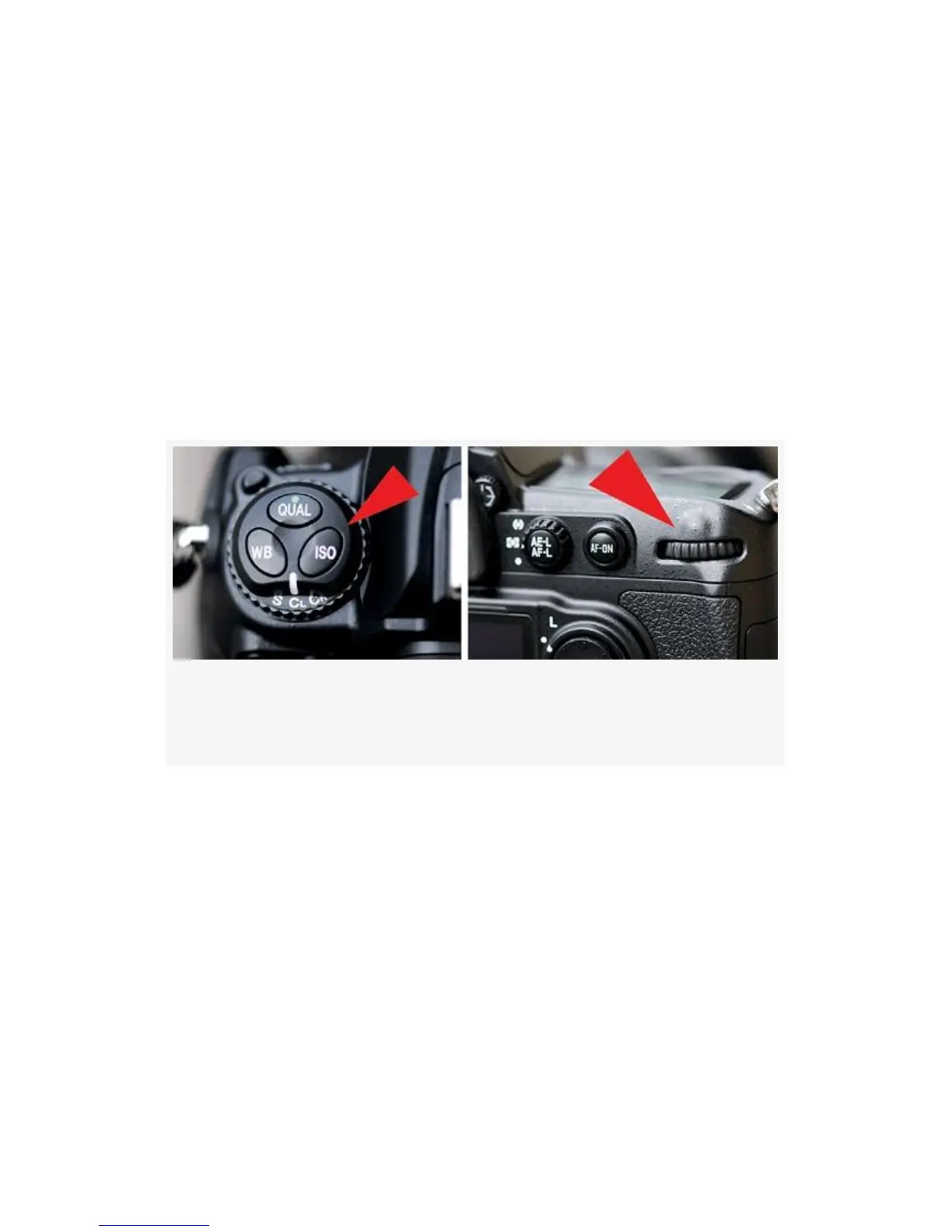
There are three steps used when changing White balance.
Figure 3-18 shows the external camera controls used with the
steps listed below:
Figure 3-18. Setting the White balance with external camera
controls
1. Hold down the WB button above the Release mode dial
(see Figure 3-18, image 1).
2. Turn the rear Main command dial as you watch the WB
icons change on the Control panel (see Figure 3-18,
image 2).
3. Release the WB button to lock in your choice.
My Recommendation: Until you’ve read the chapter in this
book titled Chapter 10, I suggest that you leave the camera
set to Auto White balance. However, please do take the time
155



 To Next Page