square that marks the original location of the control and a
yellow square that marks its new location. The new location
will have the same name as the previous location, except
you’ll see an asterisk after it.
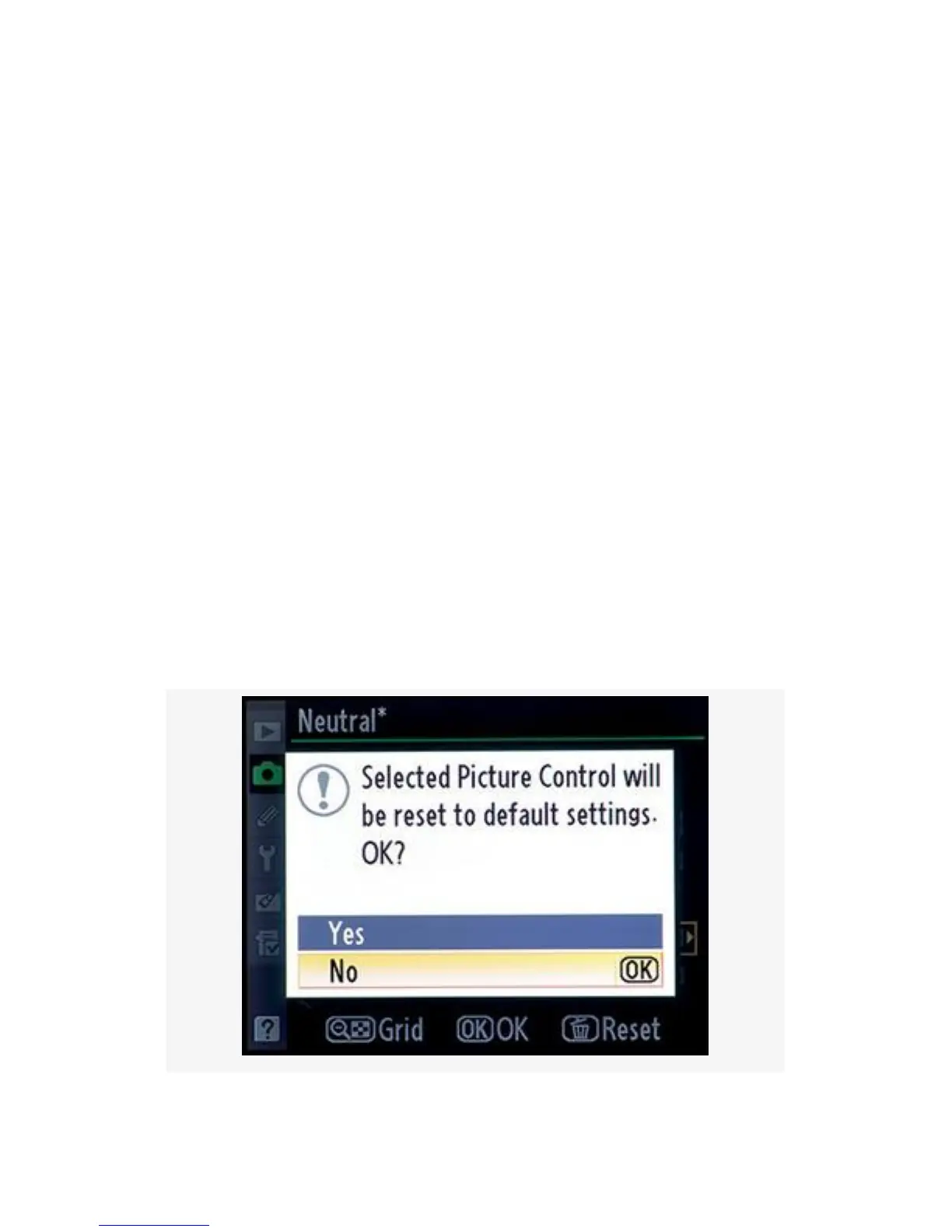
Resetting a Nikon Picture Control
If you modify the Nikon Picture Controls, you may do what I
did and forget what the original settings were when you want
to change them back.
Worry not! Nikon has given us an easy way to reset a control.
Any time you’ve modified a control, you can reset it by
pressing the garbage can Delete button while you have the
Picture Control adjustment screen open.
The adjustment screen is the one with the settings for things
like Sharpening and Contrast (see Figure 3-19, image 3, or
Figure 3-22).
171



 To Next Page