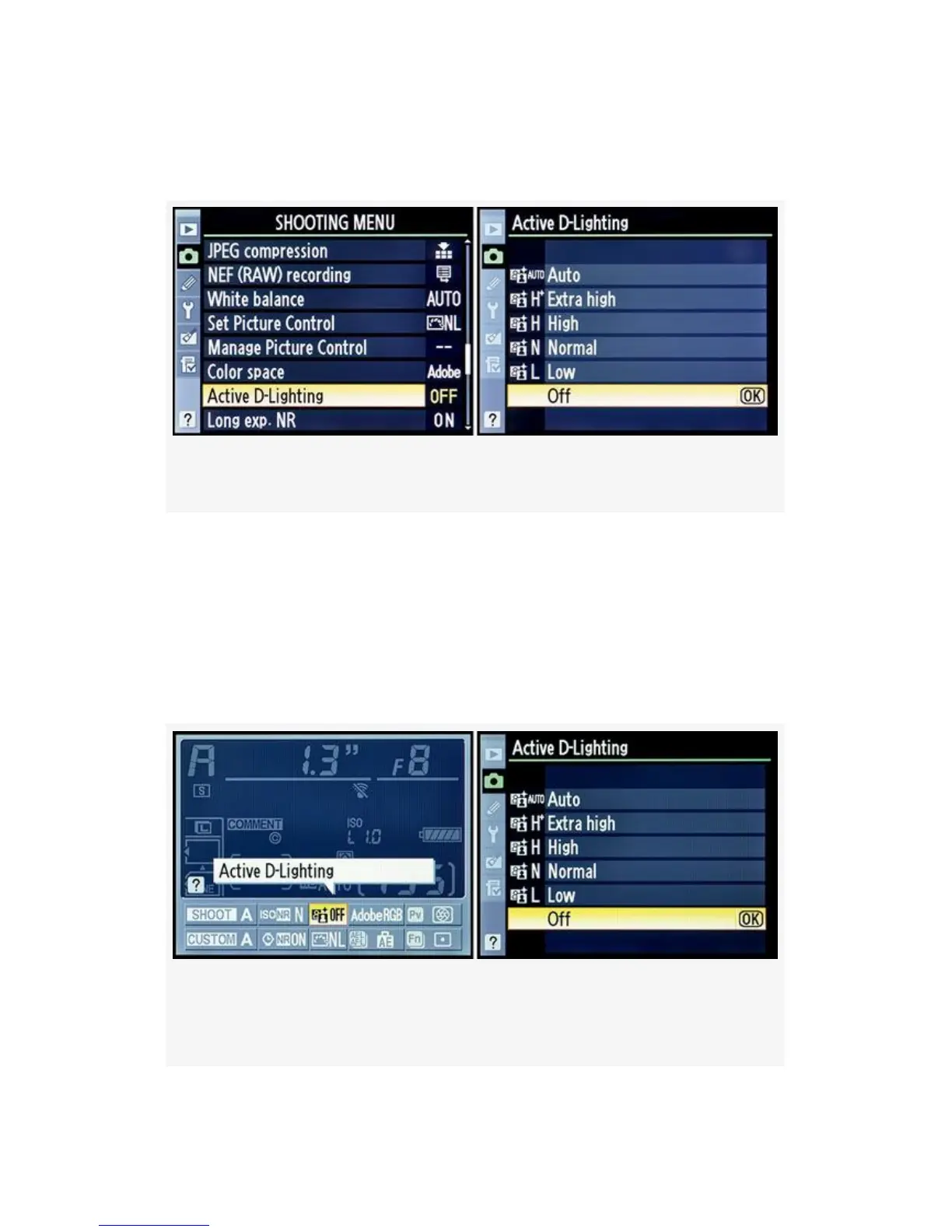
to choose an Active D-Lighting level (see Figure 3-39 and
Figure 3-40):
Figure 3-39. Choosing Active D-Lighting’s level
1. Choose Active D-Lighting from the Shooting Menu and
scroll to the right.
2. Select one of the Active D-Lighting levels. Refer to
Figure 3-40 to see how those levels affect the image.
3. Press the OK button to save your setting.
Figure 3-40. D300S Info. display edit screen – Active
D-Lighting
195



 To Next Page