As with some other important functions, the D300S adds
access to the Active D-Lighting setting through the
Information display edit screen (see Figure 3-40). Simply
press the Info button twice, select the Active D-Lighting
position, press the OK button, and then use steps 2 and 3.
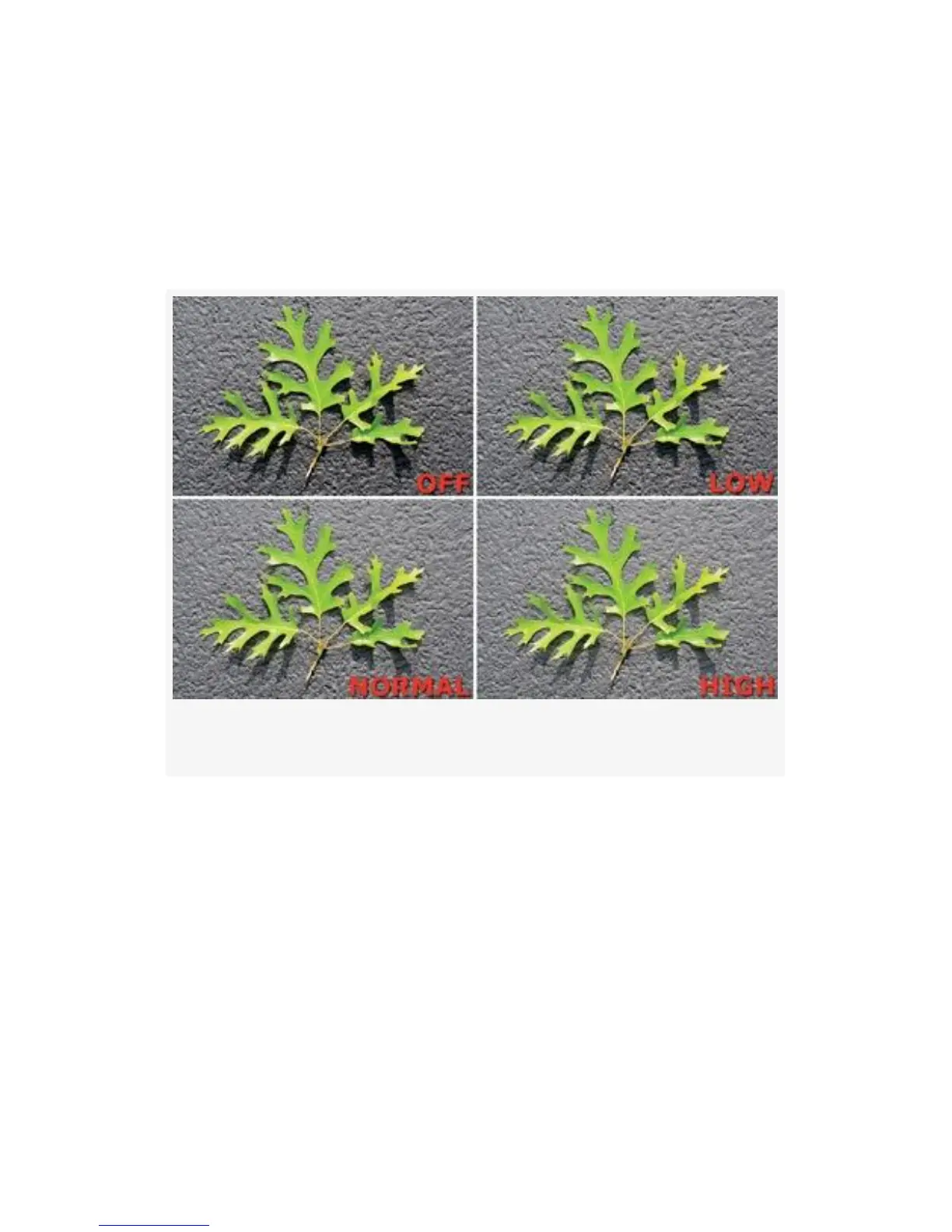
Figure 3-41. Active D-Lighting samples
Basically, Active D-Lighting will bring out detail in areas of
your image that are hidden in shadow due to excessive image
contrast. It also tends to protect the highlights from blowing
out, or becoming pure white with no detail. Figure 3-41
shows a series of four images with Active D-Lighting set to
its various levels. Note that the D300S provides two more
levels than the D300.
My Recommendation: You’ll need to experiment with the
Active D-Lighting settings to see which you like best. It has
the effect of lowering contrast, and some people do not like
196



 To Next Page