Even if you set High ISO NR to Off, the camera will still
apply NR when you exceed ISO 3200 (Hi 0.3 to Hi 1). The
official starting point for forced High ISO NR is Hi 0.3,
which is between ISO 3200 and 6400 (Hi 1), with Hi 0.3
being one-third stop above 3200 (about ISO 4250). There are
two other one-third stop levels above Hi 0.3, namely Hi 0.7
(about ISO 5400) and Hi 1 (about ISO 6400).
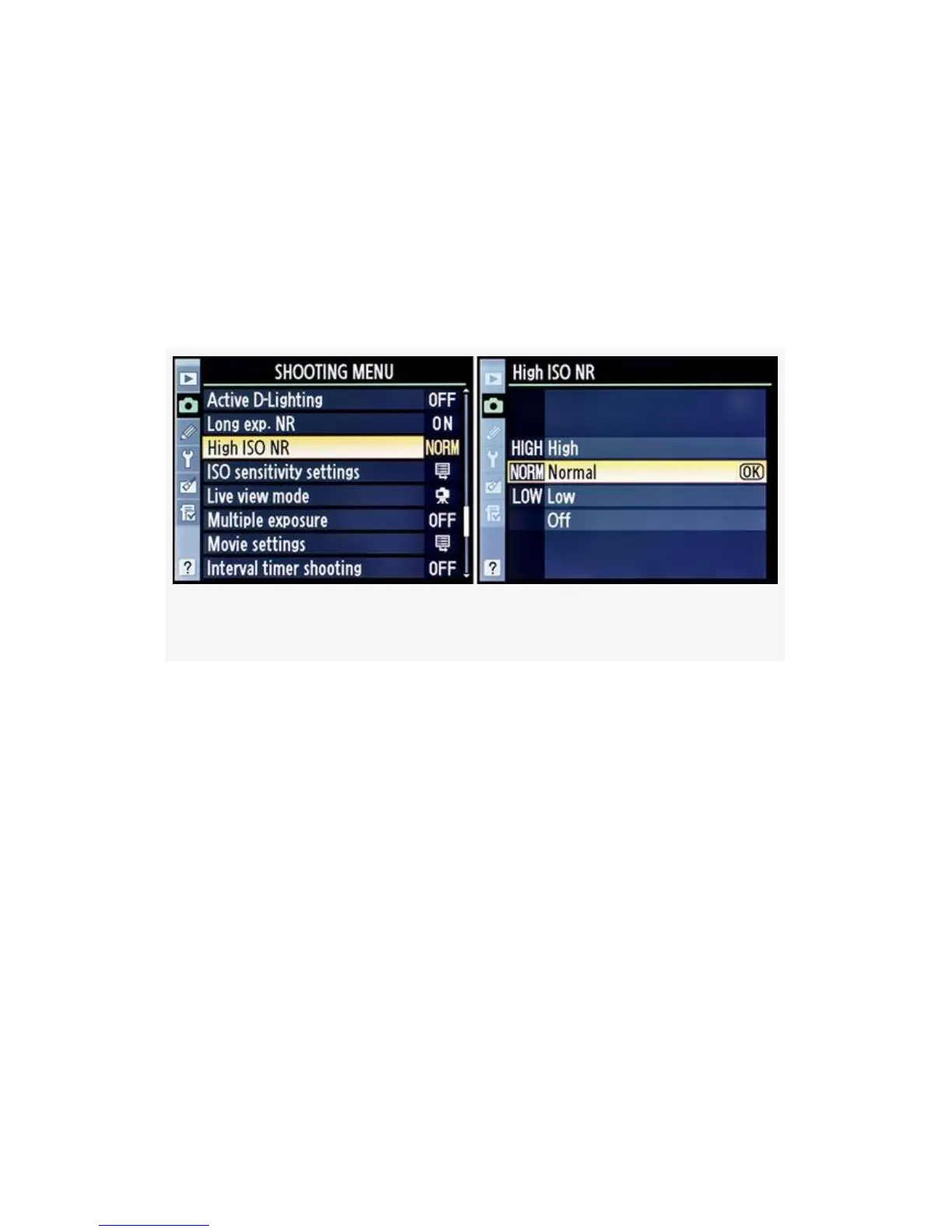
Figure 3-46. High ISO NR choices
Here are the steps to choose a High ISO NR setting (see the
screens in Figure 3-46):
1. Choose High ISO NR from the Shooting Menu and
scroll to the right.
2. Select one of the noise reduction levels: Low, Normal,
High, or Off.
3. Press the OK button to save your setting.
The D300S allows you to control the High ISO. NR function
by using the Information display edit screen.
207



 To Next Page