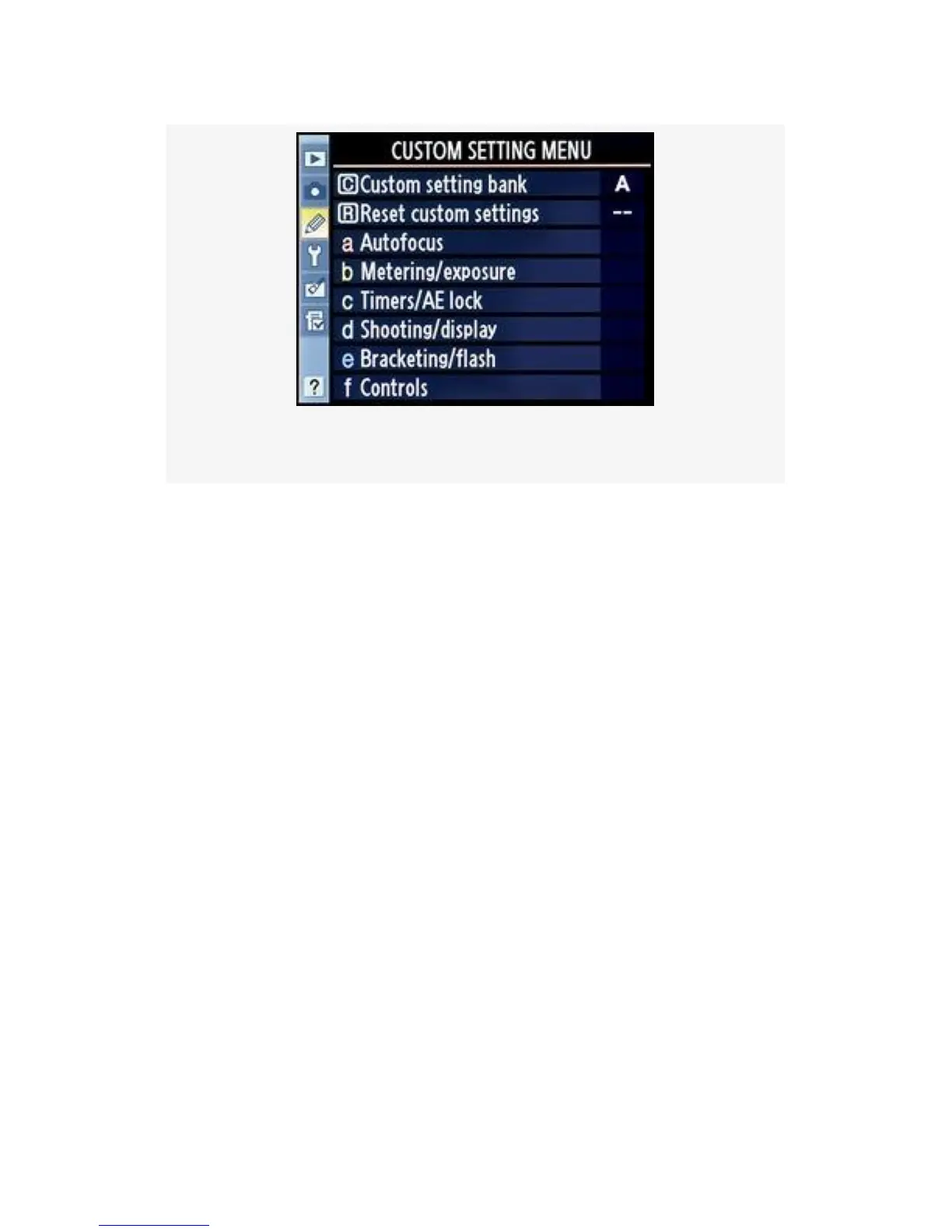
Figure 4-1. Custom Setting Menu
When finished with this chapter, you’ll have a much deeper
knowledge of this camera’s inner workings and capabilities.
Without further ado, let’s dive right into the settings and see
what they do. There are a couple of initial items on the menu
before we get into the primary Custom Settings.
Renaming a Custom Setting Bank
First, we’ll consider the process of renaming Custom setting
bank A so that we’ll know what style of shooting this bank is
configured to support.
In the last chapter, we discussed how to rename a Shooting
menu bank to describe its functionality.
Changing the name of a Custom setting bank works exactly
the same way.
If you’re familiar with the process, you can just name your
bank and skip this first section.
246



 To Next Page