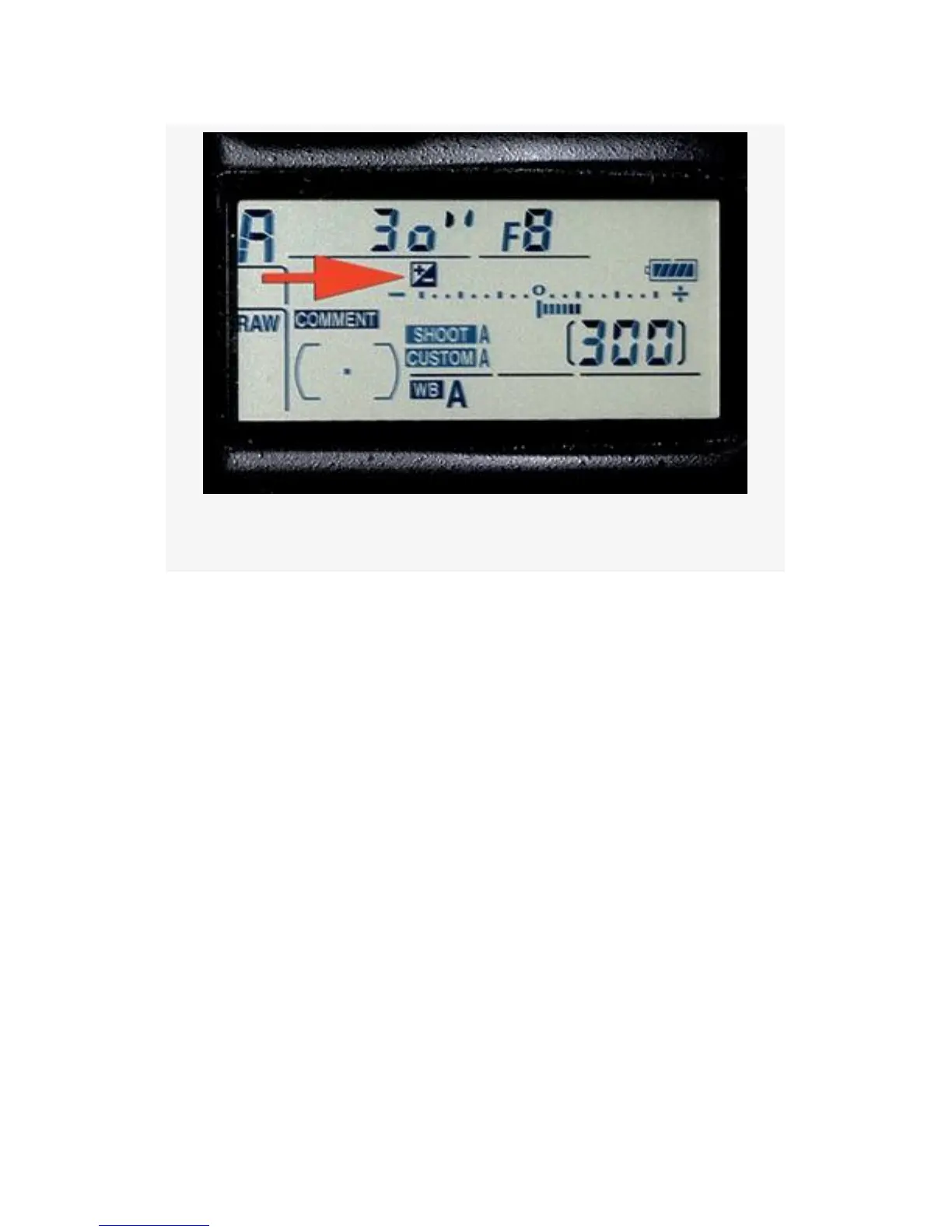
Figure 4-21. Exp. compensation
Notice in Figure 4-21 how the Control panel uses the +/- icon
to show that compensation value has been dialed into the
camera. Here are the values, and how they work:
▪ Reset On (Auto reset) – Using the Sub-command dial in
P-Program or S-Shutter Priority modes, or the Main
command dial in A-Aperture Priority mode, you can dial
in exposure compensation without using the normal
+/-Exposure compensation button. Once you allow the
meter to go off, or turn the camera off, the compensation
value you dialed in is reset back to 0. That’s why it’s
called Auto reset. If you have already set a compensation
value using the normal +/- Exposure compensation
button, then the process of dialing in compensation with
the Sub-command dial simply adds more compensation
to what you originally put in with the +/- Exposure
compensation button. When the meter resets, it only
294



 To Next Page