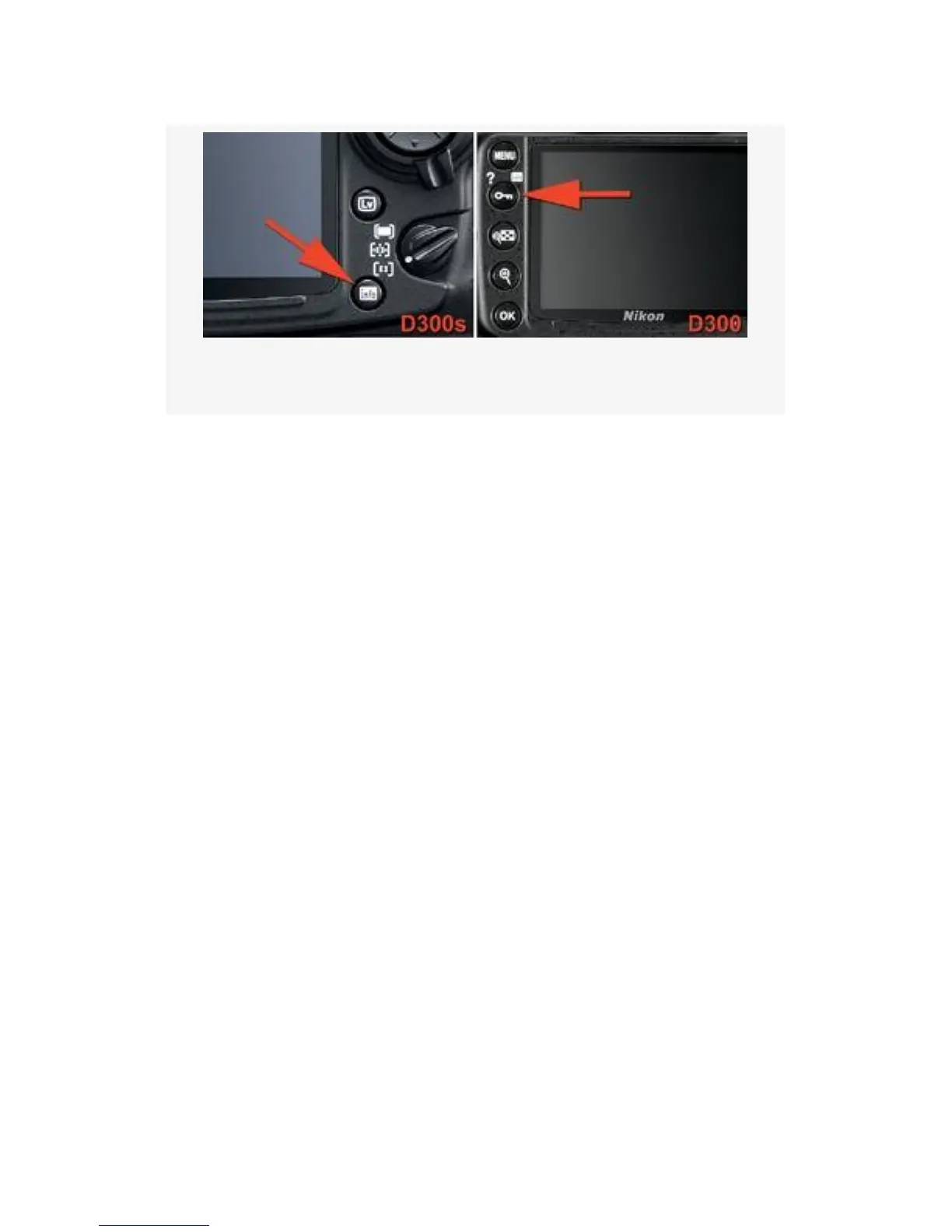
Figure 4-40. Comparing the D300S and D300 Info buttons
Both of these buttons bring up a similar screen that shows
current shooting information. As mentioned in the beginning
of this section, the extremely cool thing about this
Information (Shooting info) display is that it can adjust its
color and brightness according to the ambient light the
camera senses through its lens.
Try this: With your lens cap off, camera turned on, and
nothing showing on the rear screen, press the Info button
(D300S) or Protect/Help/Info button (D300). If there’s even
dim ambient light where you are, you’ll see a light blue info
screen with black letters. Now, go into a dark area, put your
lens cap on, or cover the eyepiece with your hand. You’ll see
that anytime there are dark ambient light conditions, the
camera changes the Information display (Shooting info
display) screen to light gray characters on a black
background. This assures that you aren’t blinded when you
need shooting information while in a dark area.
This may not impress you much, but I’m easily entertained!
As shown in Figure 4-41, there are two available selections
for Information display (D300S) or Shooting info display
(D300):
334



 To Next Page