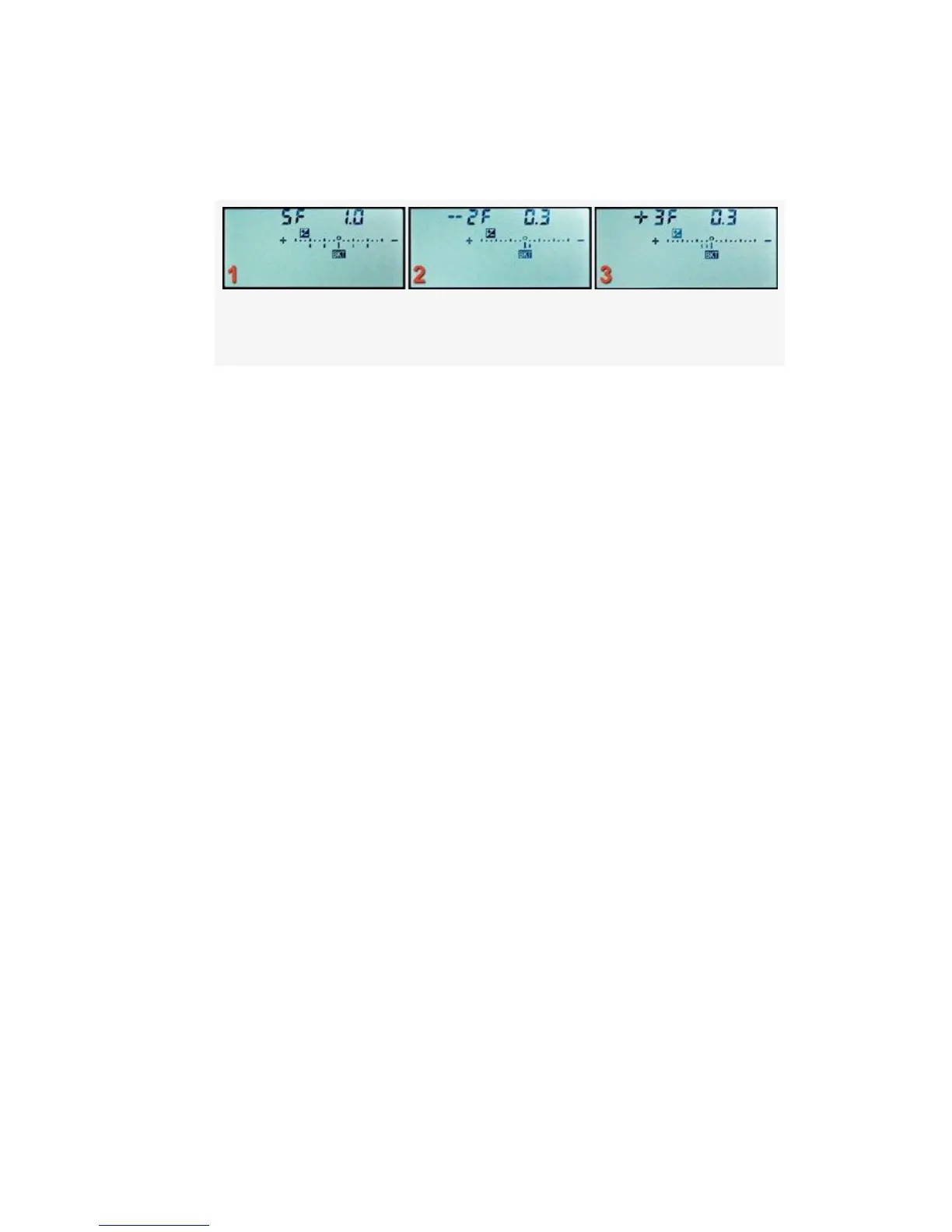
exposure in the bracket. This value appears on the top
right of each screen in Figure 4-57 as 1.0, 0.3, and 0.3.
Figure 4-57. Auto bracketing (AE & flash)
4. While holding the Fn (FUNC.) button, rotate the front
Sub-command dial to change the EV value of each
image in the bracket, in steps of 1/3, 1/2, or 1 EV. The
EV step value is set in Custom setting b2 > EV steps for
exposure control. In Figure 4-57, image 1, the EV value
is 1.0. So there will be a 1.0 EV step (1 stop) difference
between each image in the bracket.
5. You can use Custom setting e7 > Bracketing order to set
the order of the exposures. We’ll discuss this in a later
section titled Bracketing Order. The default order is
normal > underexposed > overexposed. You can change
it to underexposed > normal > overexposed, if you’d
like.
6. Take the bracketed picture series. As you take each
image, one of the lines that hang down below the +/-
scale will disappear. When they are all gone, your
bracket is complete. If you have your camera set to one
of the Continuous release modes (CL or CH) and hold
down the Shutter-release button, the camera will fire off
only the number of images in the bracketed series and
then stop firing.
367



 To Next Page