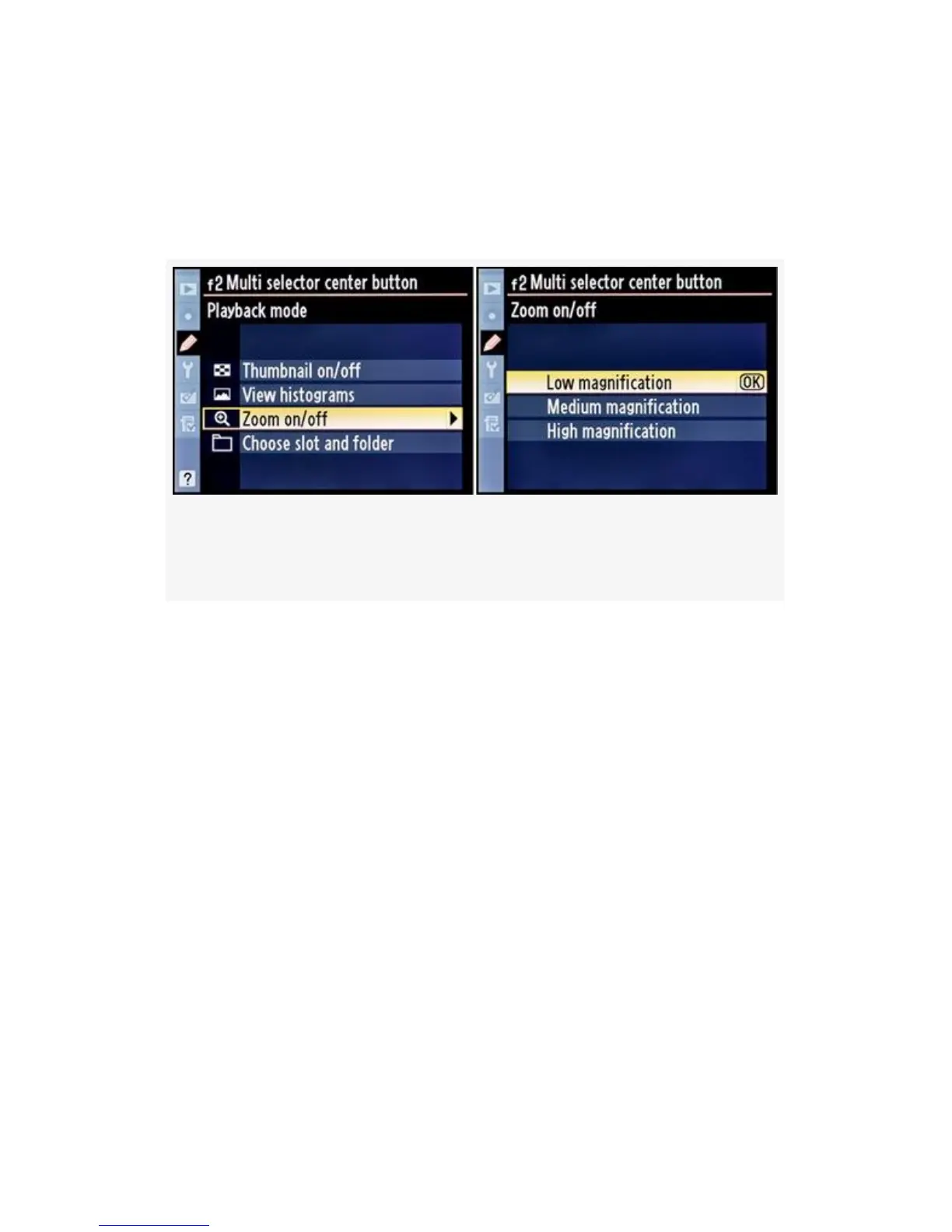
Multi selector center button the image zoom jumps
immediately to one of three levels of zoom, skipping the
middle steps. The three levels are shown in Figure 4-67,
which starts where Figure 4-66, image 4 leaves off:
Figure 4-67. Multi selector center button (Zoom on/off
settings)
▪ Low magnification seems to be the same as viewing the
image at 100% pixel-peeping level.
▪ Medium magnification is two levels deeper
magnification, just past 100%.
▪ High magnification is as far in as the zoom will go, the
highest point of magnification, which is way past 100%.
The zoom display centers on the focus point used to take
the image. If you are using thumbnail view, you can
select from a series of images on the monitor. When you
have one of the images selected, even though it is not
full size, you can press the Multi selector center button
and the image is first enlarged to full size, then to
whichever of the three zoom magnification levels you
previously selected. When you press the button again,
the camera switches back to thumbnail view.
391



 To Next Page