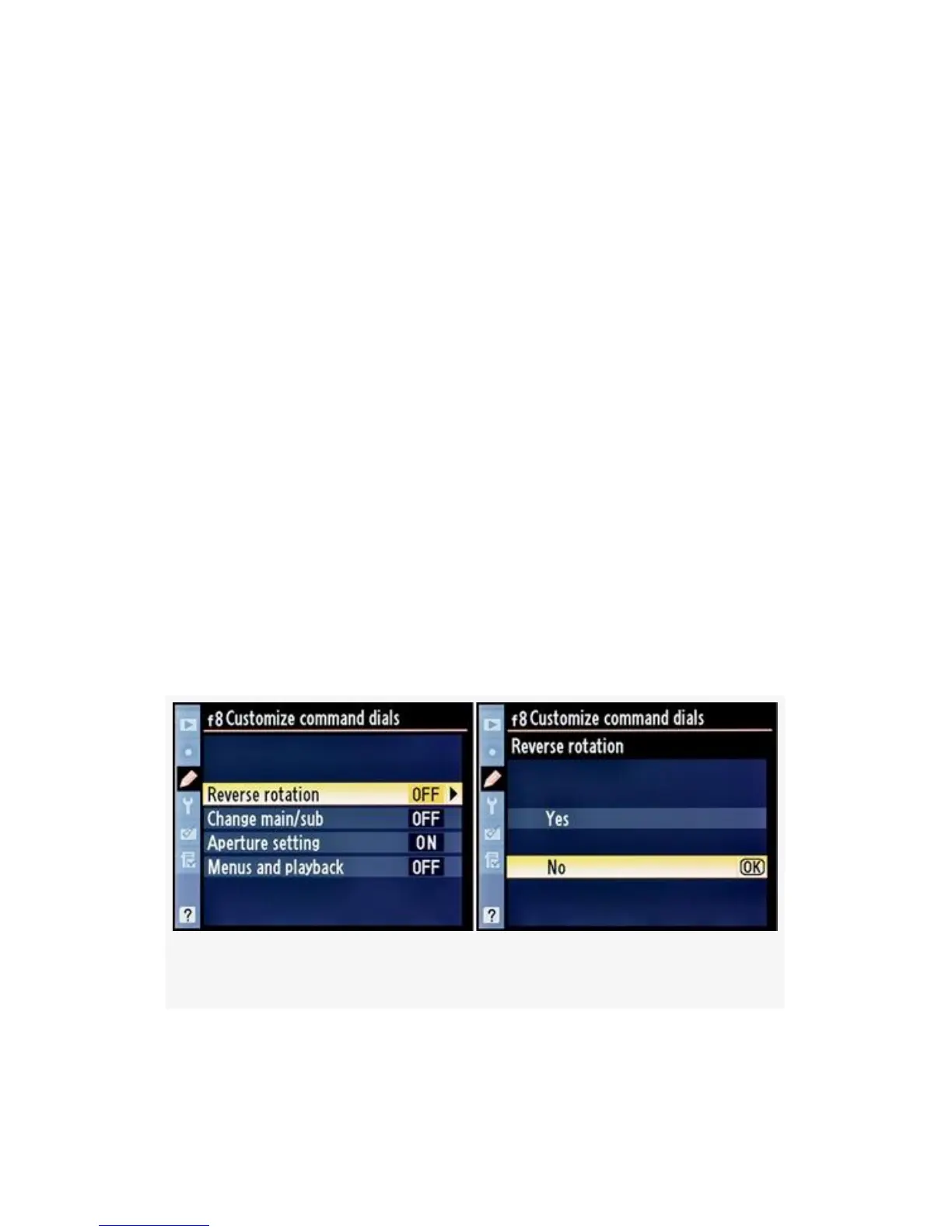
Reverse rotation
This setting allows you to change the rotation direction of the
Command dials. There are two selections:
▪ Yes – The Command dials are reversed. An example is
this: Normally, when the D300(S) is set to Aperture
priority auto, and you rotate the Sub-command dial to
the right, the aperture decreases, like this: f/5.6 to f/6.3 to
f/7.1, etc. If you select Yes under Reverse rotation, then
the direction of aperture changes will be reversed when
you turn the Sub-command dial to the right, like this:
f/5.6 to f/5 to f4.5, etc. Instead of getting smaller, the
aperture gets larger. It is reversed.
▪ No – The direction of the Command dials is set to the
factory default.
Here are the screens and steps to change the rotation direction
of the Command dials (see Figure 4-76):
Figure 4-76. Customize command dials (Reverse rotation)
411



 To Next Page