▪ Daylight saving time
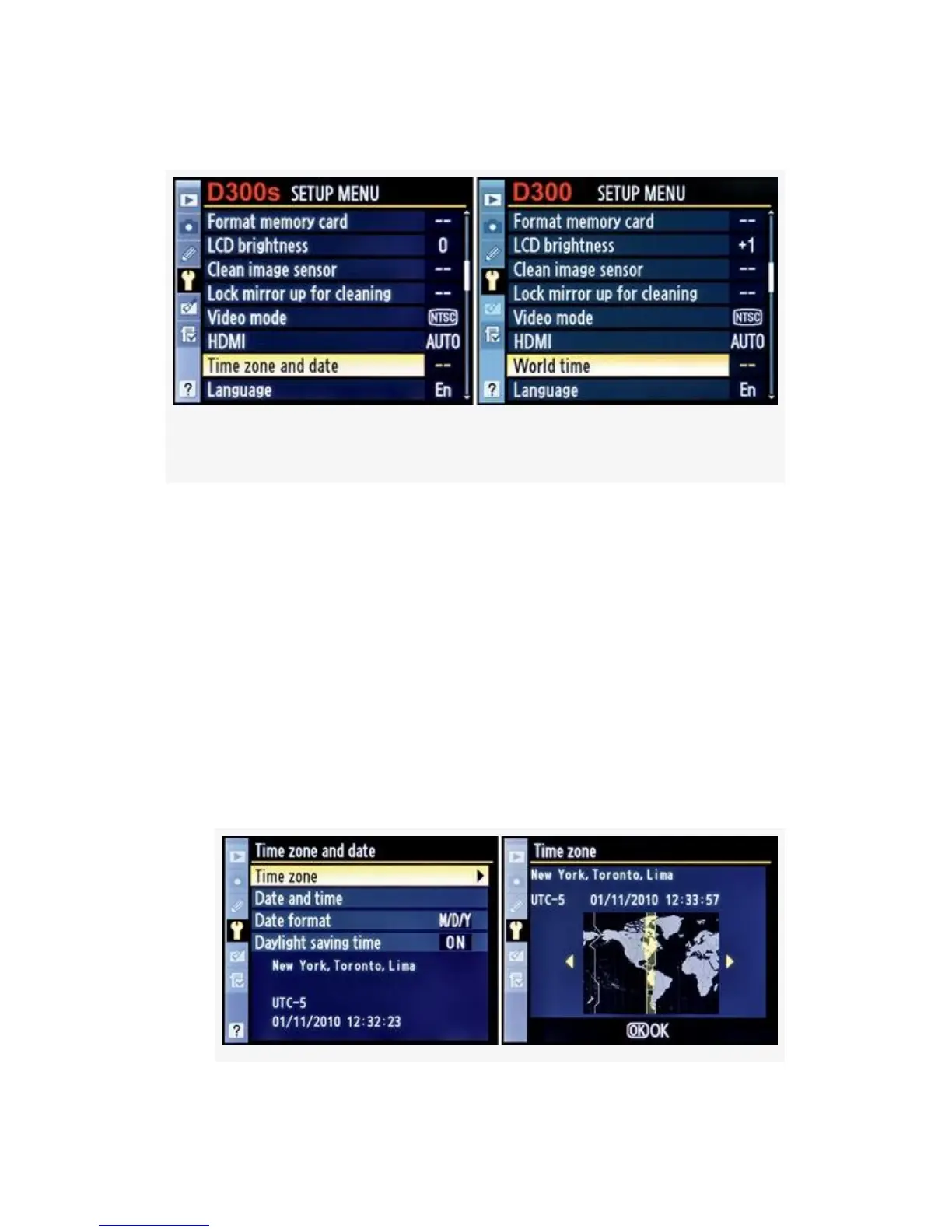
Figure 5-13. D300S and D300 Time zone and date screens
Time zone – Figure 5-14 shows the Time zone configuration
screens, as a continuation of Figure 5-13.
The screen used to set the time zone displays a familiar world
map from which you will select the area of the world where
you are using the camera.
Here are the steps used to set the Time zone (see
Figure 5-14):
1. Choose Time zone from the Time zone and date screen
and scroll to the right (see Figure 5-14, image 1).
454



 To Next Page