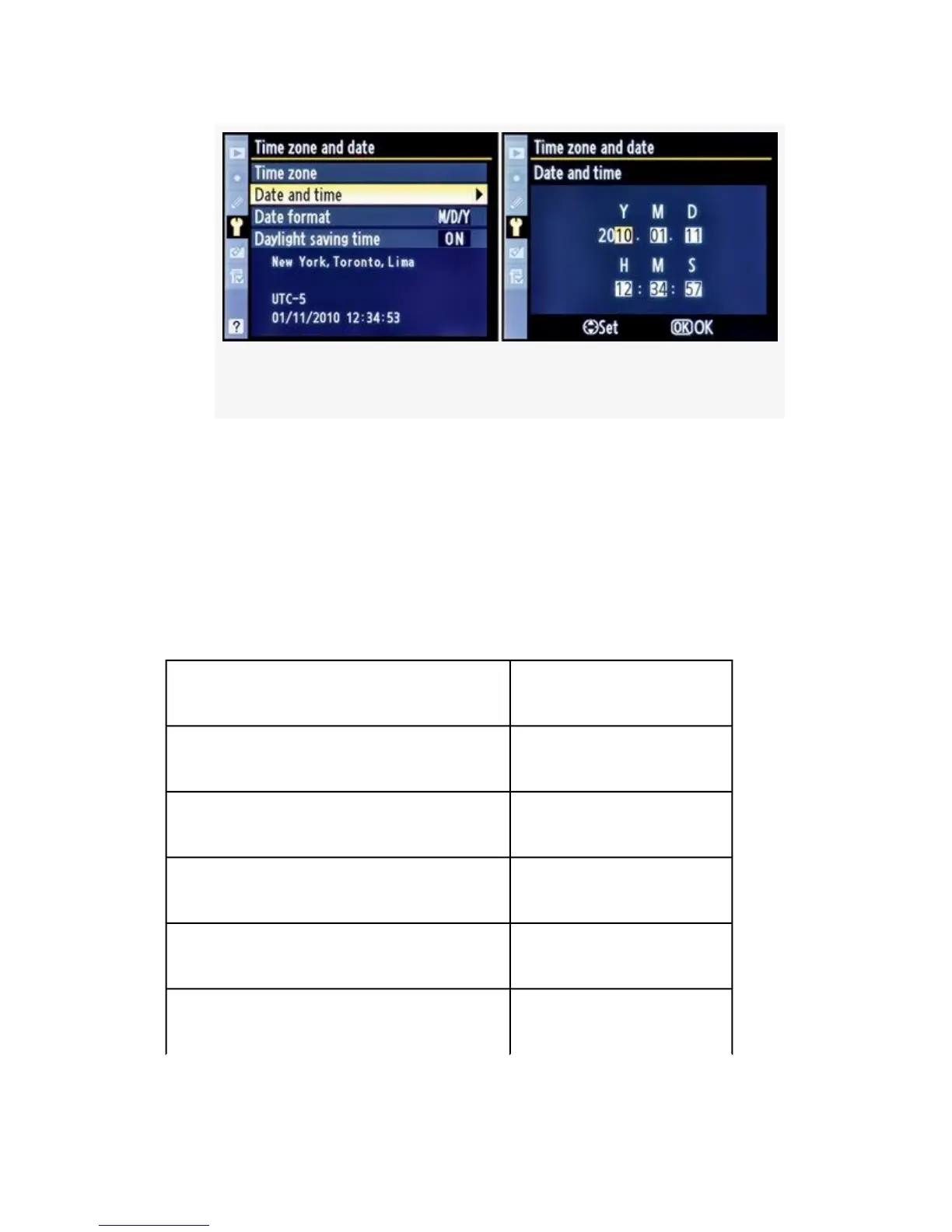
Figure 5-15. Date and time screens
3. Press the OK button to lock in the Date and time.
Please note that the time setting uses the 24-hour
military-style clock. To set 3 p.m., you would set the H and M
settings to 15:00. See the upcoming 12- to 24-Hour Time
Conversion Chart for your convenience.
Table 5-1. 12- to 24-Hour Time Conversion Chart
A.M. Settings:
12:00 a.m. = 00:00 (midnight) 06:00 a.m. = 06:00
01:00 a.m. = 01:00 07:00 a.m. = 07:00
02:00 a.m. = 02:00 08:00 a.m. = 08:00
03:00 a.m. = 03:00 09:00 a.m. = 09:00
04:00 a.m. = 04:00 10:00 a.m. = 10:00
456



 To Next Page