familiar to Americans. Other areas of the world can select
their favorite date format.
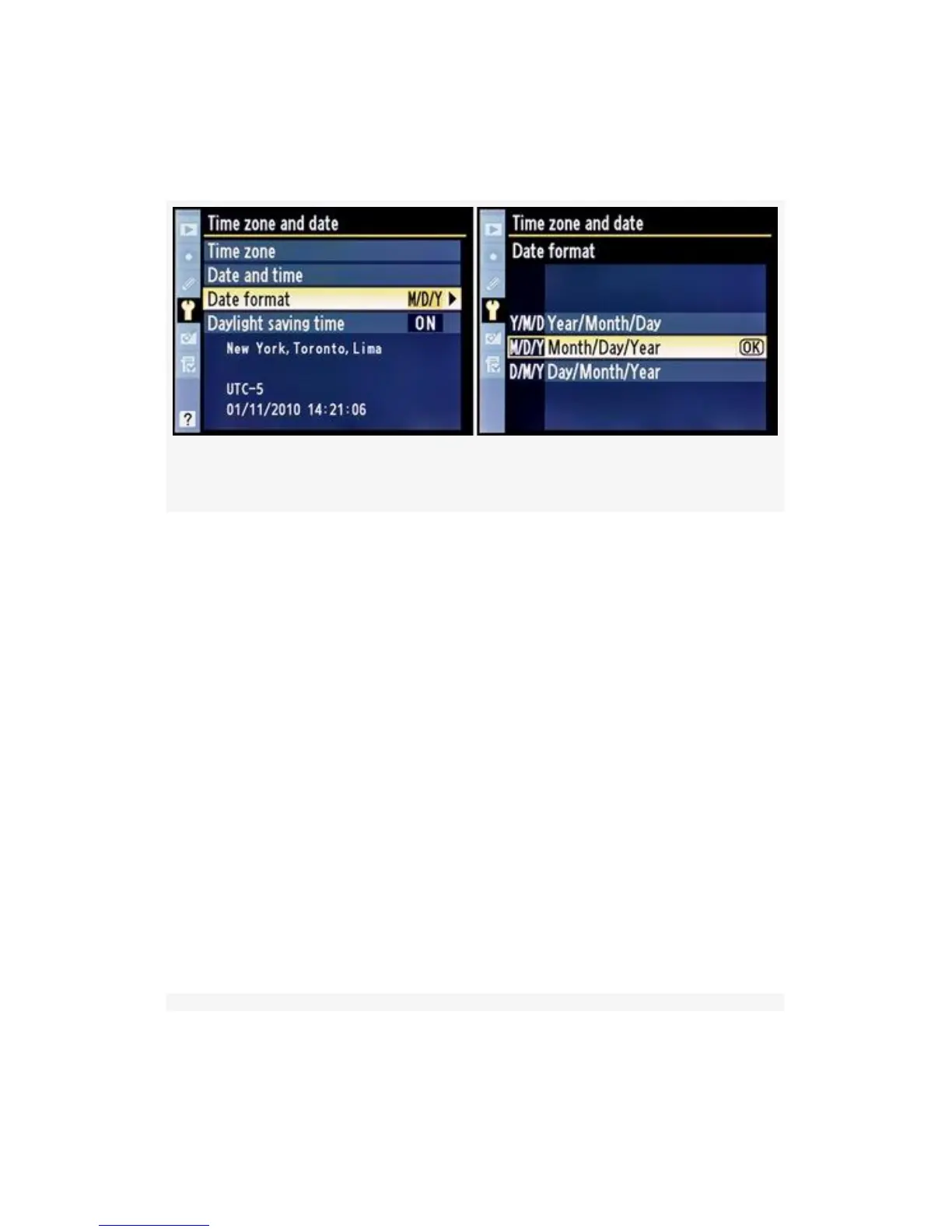
Figure 5-16. Date format screens
Here are the steps to set the Date format (see Figure 5-16;
continues from Figure 5-13):
1. Choose Date format from the Time zone and date screen
and scroll to the right (see Figure 5-16, image 1).
2. Choose your favorite Date format from the list. I have
my camera set to M/D/Y – Month/Day/Year.
3. Press the OK button to lock in the Date format.
Daylight saving time – Many areas of the United States
observe Daylight saving time. In the spring, many American
residents set their clocks forward by one hour on a specified
day each year. Then in the fall they set them back, leading to
the clever saying, “spring forward, fall back”. Figure 5-17
continues from one of the screens in Figure 5-13.
458



 To Next Page