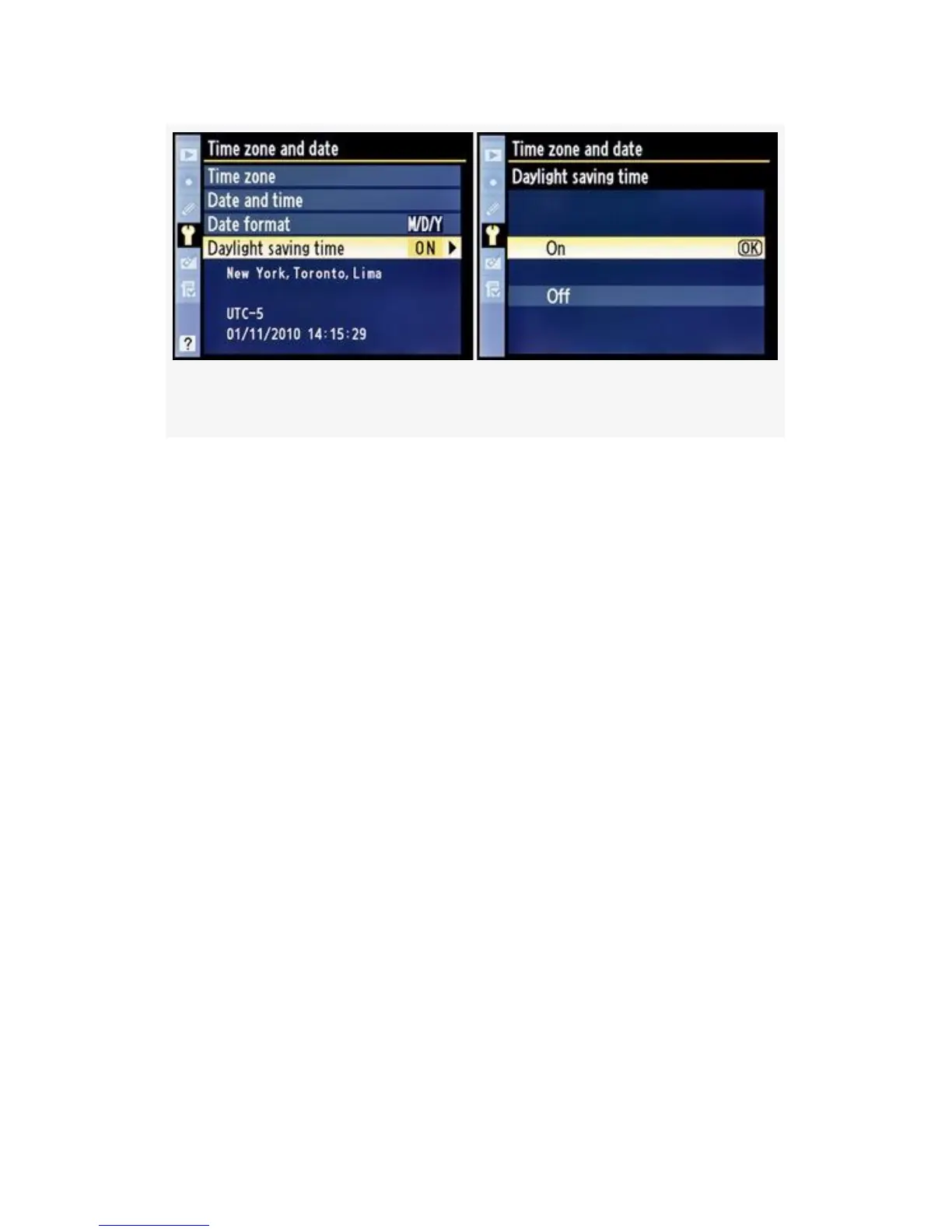
Figure 5-17. Daylight saving time screens
1. Choose Daylight saving time from the Time zone and
date screen and scroll to the right (see Figure 5-17,
image 1).
2. Figure 5-17, image 2, shows you the two choices for
Daylight saving time: On or Off. If you select On your
camera will automatically “spring forward” and “fall
back”, adjusting your time forward by one hour in the
spring and back one hour in the fall. If you select Off
you’ll have to change the clock manually.
3. Press the OK button to lock in the setting.
459



 To Next Page