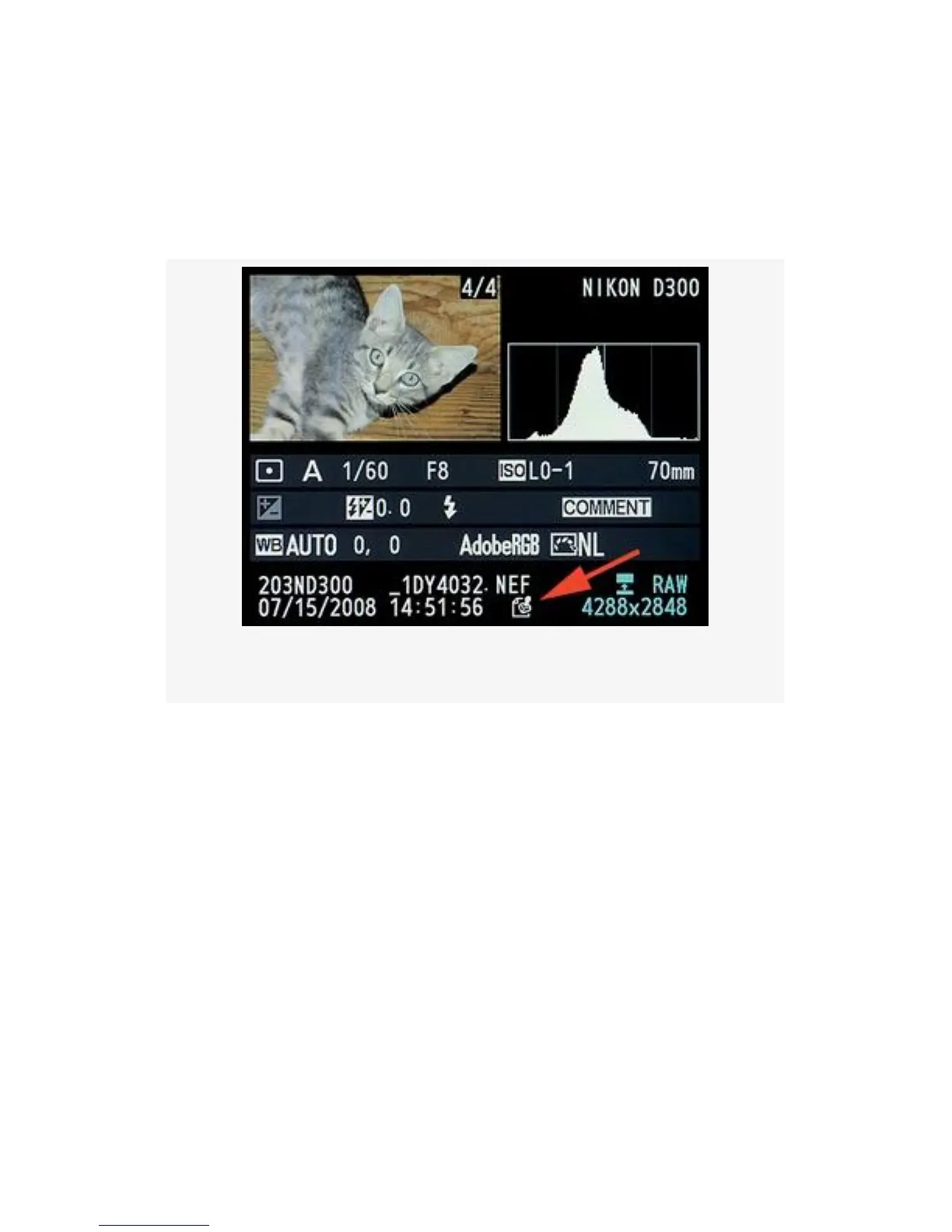
Figure 5-27 shows a D300 Playback screen with the Image
authentication stamp icon. This merely shows that an image
has been shot with Image authentication enabled. It takes the
Nikon software to prove whether or not it has been modified.
Figure 5-27. Playback screen with authentication stamp
There are two settings in the Image authentication function, as
shown in Figure 5-28:
▪ On – Image authentication information, which can be
used by Nikon’s Image Authentication software, is
imbedded in the image. With this feature turned on, and
with the used of Nikon software, you can prove that a
certain image has not been modified.
▪ Off – No Image authentication embedding takes place.
This is the default setting.
Here are the steps and screens used to configure Image
authentication (see Figure 5-28):
484



 To Next Page