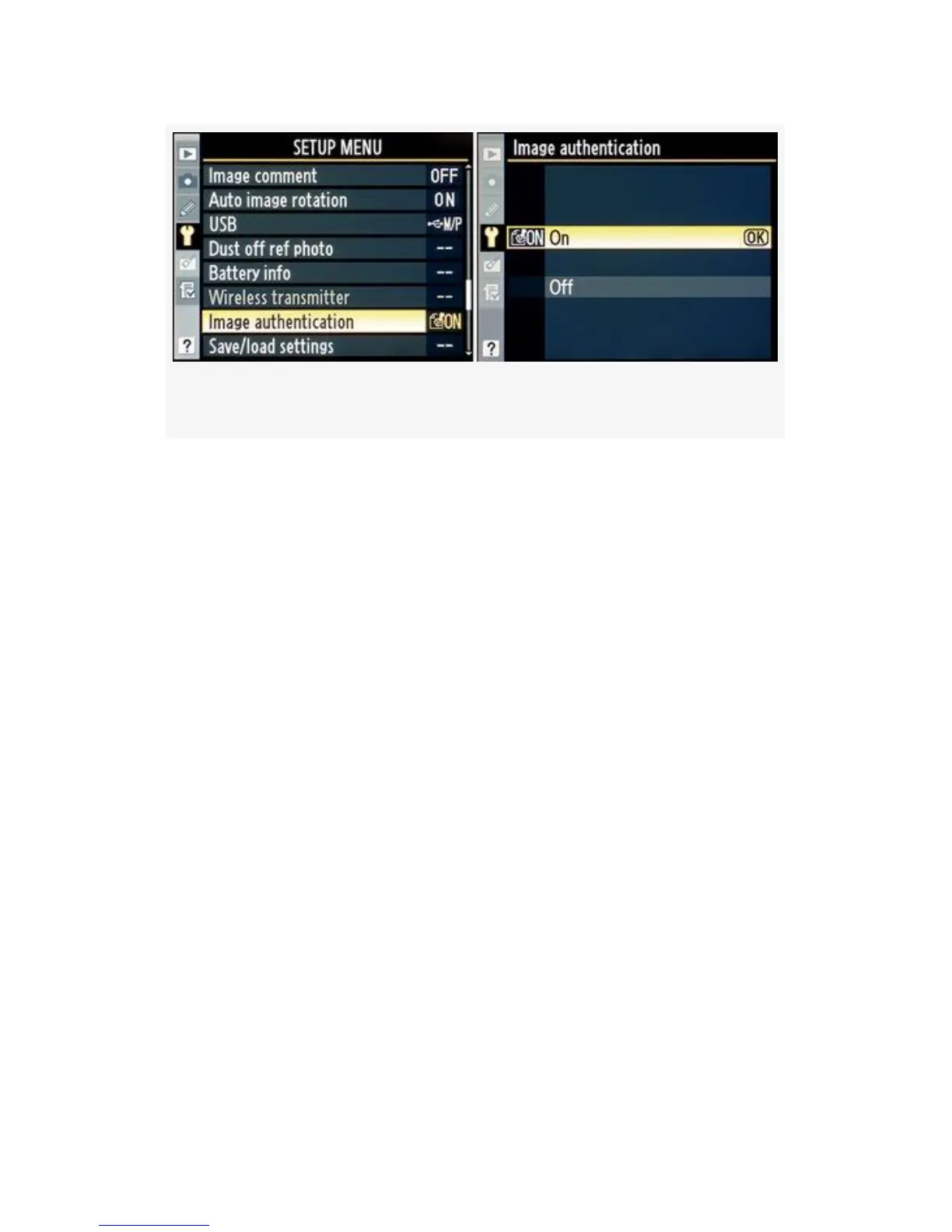
Figure 5-28. Image authentication screens
1. Select Image authentication from the Setup Menu and
scroll to the right.
2. Select On or Off from the Image authentication screen
(Figure 5-28, image 2).
3. Press the OK button to lock in your choice.
4. Take a picture and check the Playback screen to see if
the authentication seal is showing (see Figure 5-27).
My Recommendation: After a little thought, I decided to set
my camera’s Image authentication to On. I figure that one day
I’ll be sitting in the car waiting for the wife at the local
superstore, and a very important news event will occur right
next to my car. I won’t even have to get out of the car! In
order to get my Pulitzer Prize, I’ll want to be able to prove
later that the images I took have not been modified in any
way. I’ll have to buy the Nikon Image Authentication
software to prove it, but with the money I’ll make from these
images, it’ll be worth it. If you work for a law-enforcement
agency or cover wars and presidential elections—or news of
485



 To Next Page