Using Retouch Menu Items
Directly
D-Lighting
(User’s Manual – D300S page 319; D300 page 334)
D-Lighting allows you to reduce the shadows in an image,
and maybe even reign in the highlights a bit. It lowers the
overall image contrast, so it should be used sparingly. The
D300(S) is not aggressive with its D-Lighting, so you can use
it quickly if needed. Also, please remember that Retouch
Menu effects are only applied to a copy of the image, so your
original is safe.
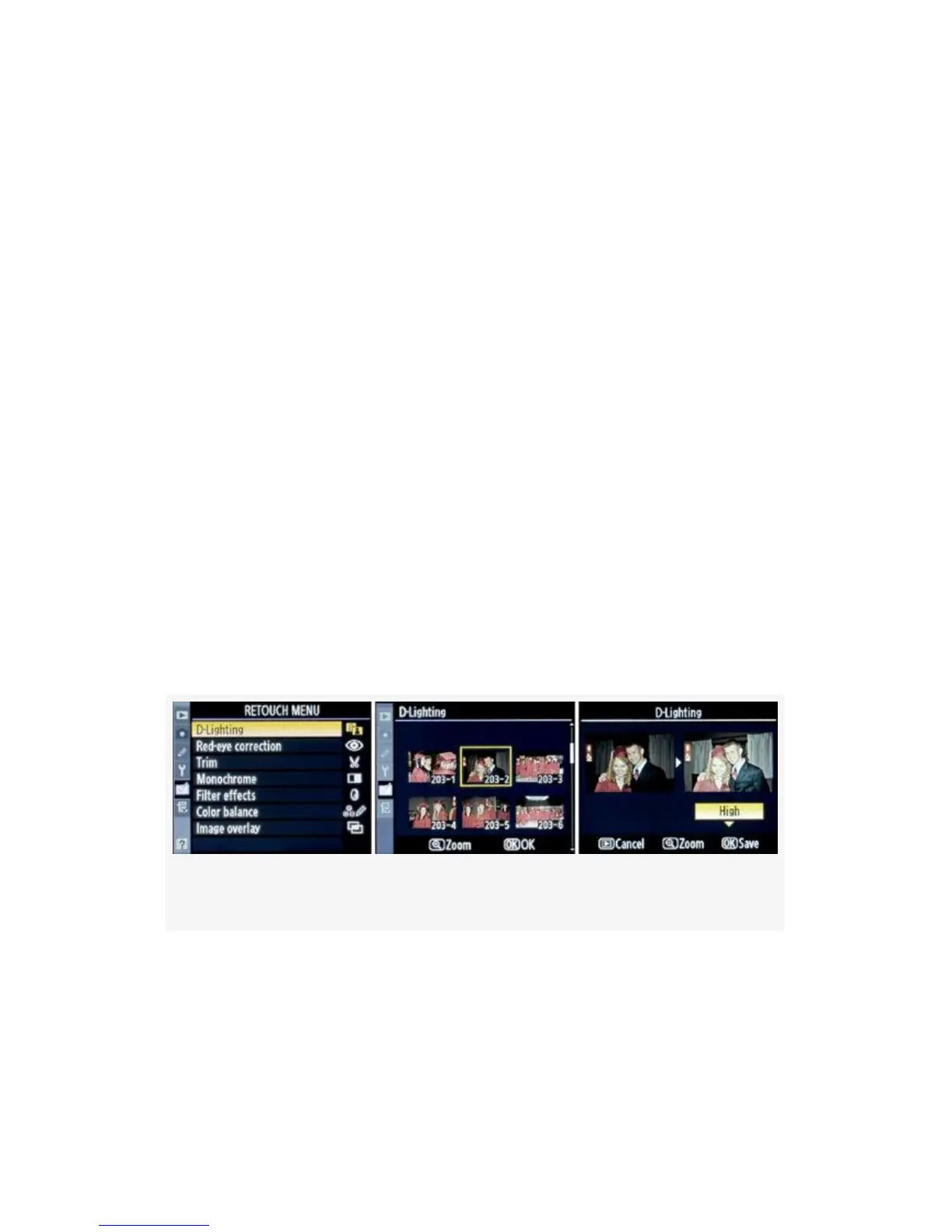
The screens and steps for D-Lighting an image are as follows
(see Figure 6-3):
Figure 6-3. D-Lighting screens
1. Select D-Lighting from the Retouch Menu and scroll to
the right.
2. Select the image you want to modify (see Figure 6-3,
image 2).
533



 To Next Page