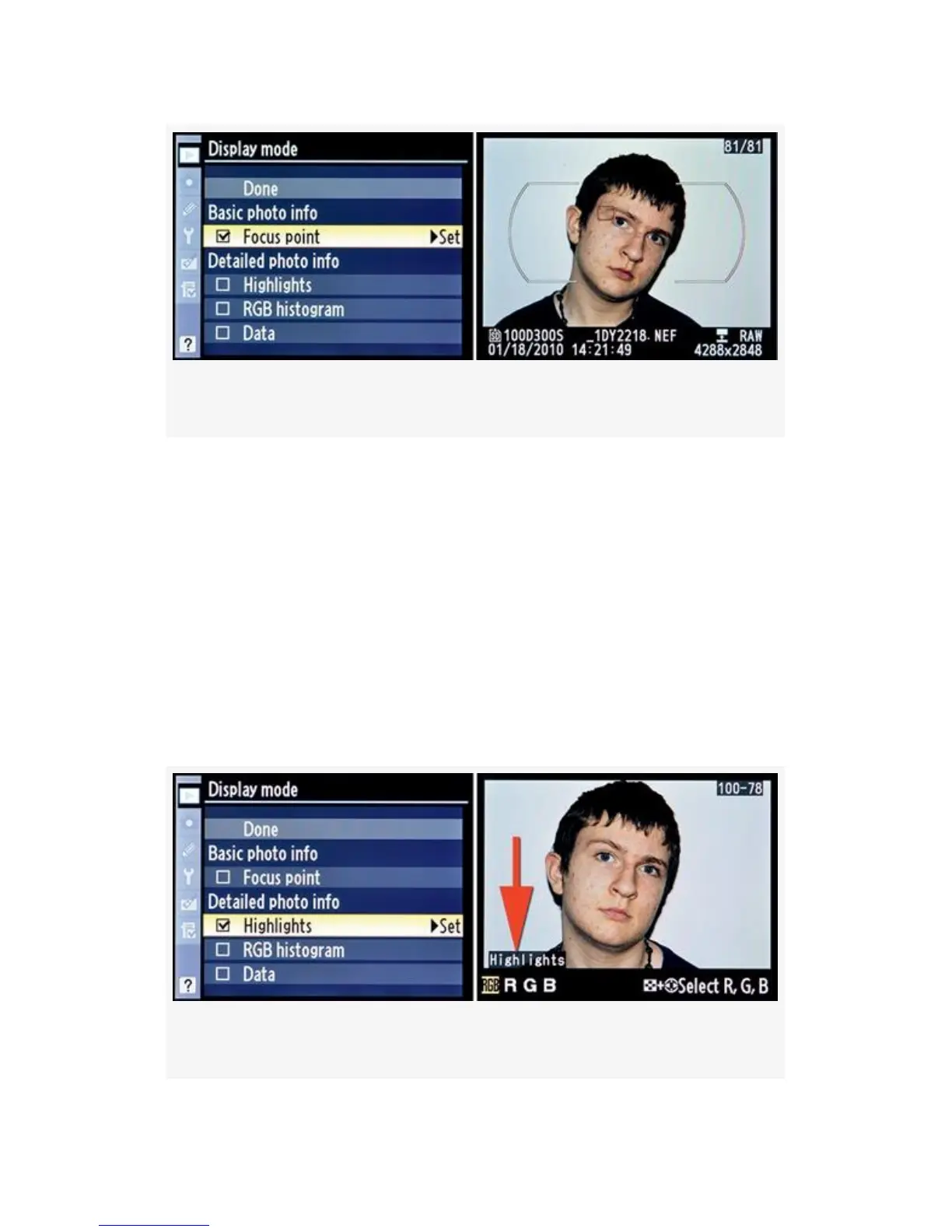
Figure 2-9. Display mode screens – Focus point option
Highlights – If you put a check mark next to the Highlights
selection, as shown in Figure 2-10, you will turn on what I
call the “blinky” mode of the camera. You’ll see the word
Highlights at the bottom left of the image (see Figure 2-10,
red arrow). When any area of the image is overexposed, that
area will blink an alternating white and black. This is a
warning that certain areas of the image are overexposed and
have lost detail. You will need to use exposure compensation
or manually control the camera to contain the exposure within
the dynamic range of the camera’s sensor.
Figure 2-10. Display mode screens – Highlights option
54



 To Next Page