▪ High ISO noise reduction – You can change the
amount of High ISO noise reduction applied to the
image. The camera offers you H, N, L, or Off settings,
which are equivalent to the Shooting Menu > High ISO
NR settings called High, Normal, Low, and Off.
▪ Color space – Allows you to change which Color space
is applied to the image. You can choose from the
camera’s two Color space settings, sRGB or Adobe
RGB. Adobe RGB is abbreviated as just Adobe in this
setting.
▪ EXE – This simply means execute. When you select
this and press the OK button all your new settings will
be applied to a new JPEG image with a separate file
number.
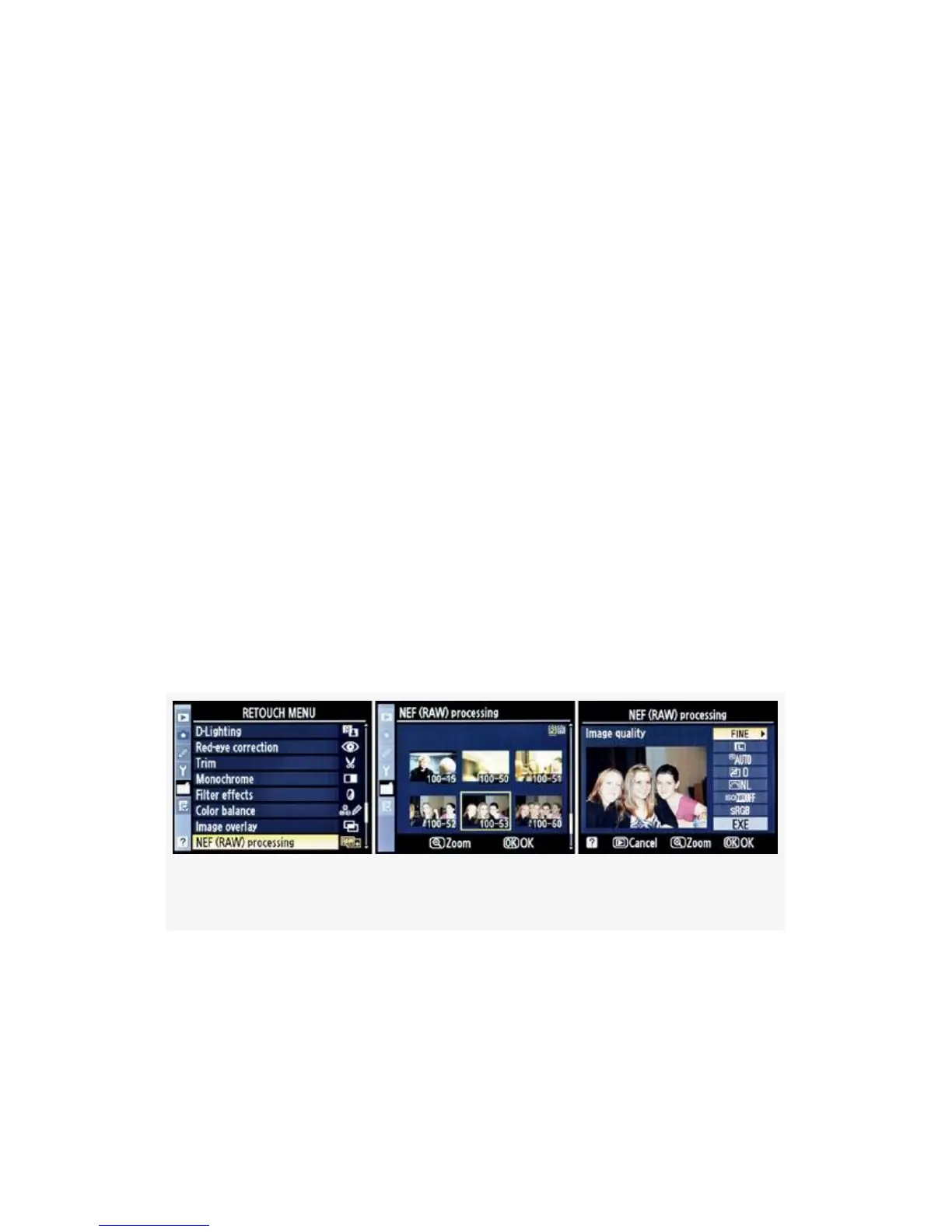
Now, let’s look at the screens and steps involved with
converting from NEF (RAW) to JPEG in-camera (see
Figure 6-10 to Figure 6-21):
Figure 6-10. NEF (RAW) processing
1. Select NEF (RAW) processing from the Retouch Menu
and scroll to the right (see Figure 6-10, image 1).
2. Select a RAW image from the list with the Multi
Selector and then press the OK button (see Figure 6-10,
549



 To Next Page