image 2). Now we’ll look closely at each setting found
on the screen shown in Figure 6-10, image 3.
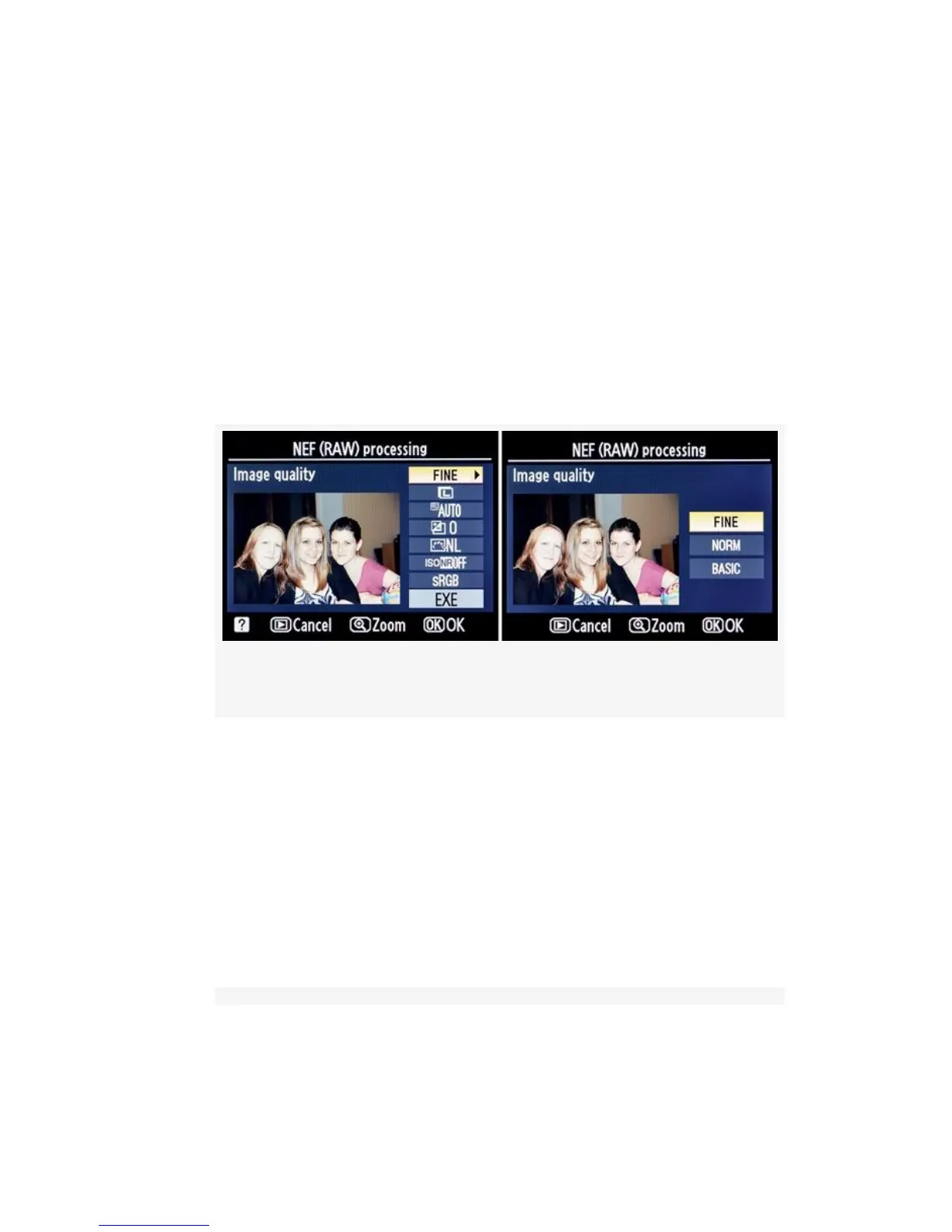
3. Select one of the Image quality settings—FINE, NORM,
or BASIC—from the Image quality menu (see
Figure 6-11). FINE gives you the best possible quality in
a JPEG image. Select the setting you want to use, and
then press the OK button to return to the main NEF
(RAW) processing configuration screen. You can cancel
the operation with the Playback button.
Figure 6-11. Image quality
4. Select one of the Image size settings—L = Large
(4288×2848), M = Medium (3126×2136), and S = Small
(2144×1424)—from the Image size menu (see
Figure 6-12). Large gives you the biggest possible size in
a JPEG image. Select the setting you want to use, and
then press the OK button to return to the main NEF
(RAW) processing configuration screen. You can cancel
the operation with the Playback button.
550



 To Next Page