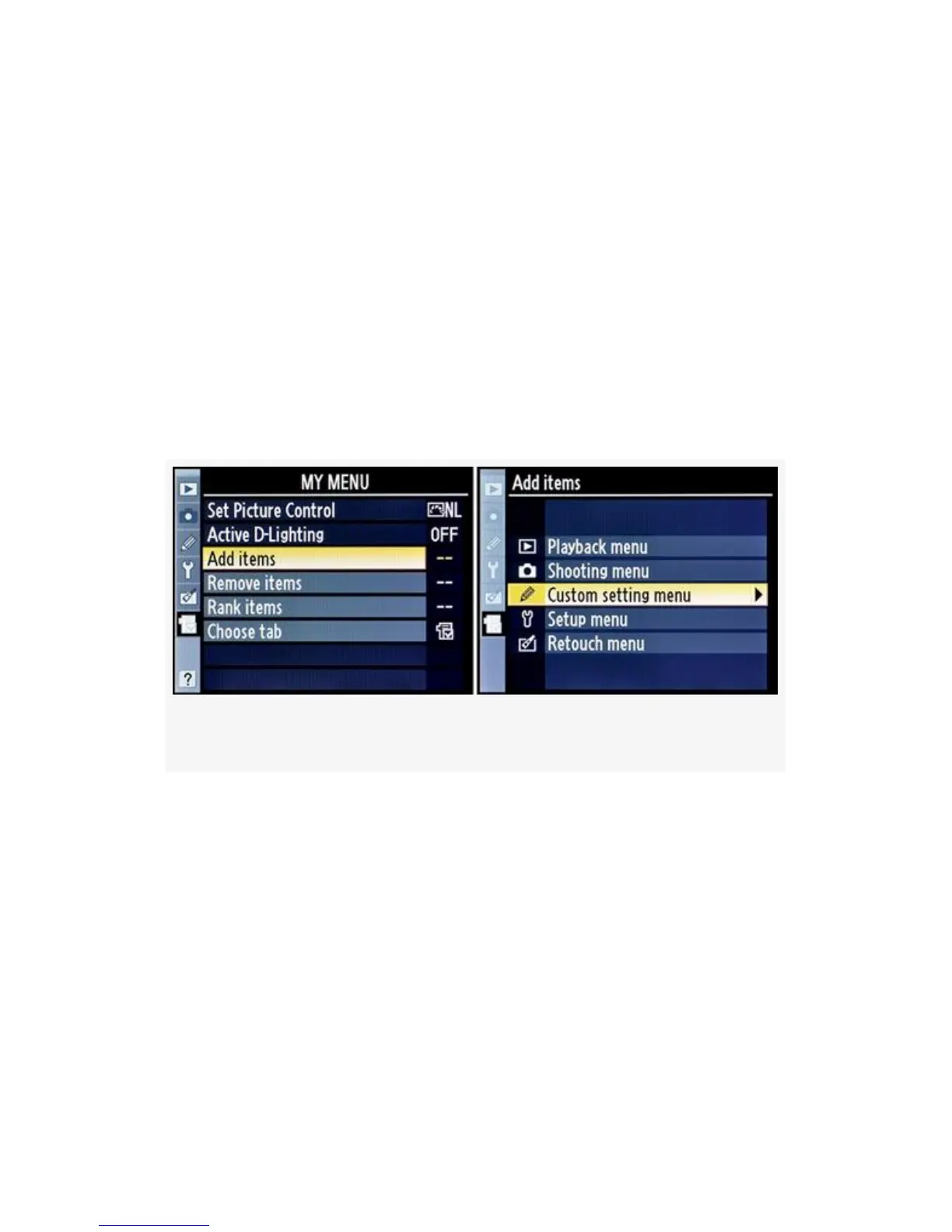
Add Items
To add an item to My Menu, you’ll need to locate the item
first. Search through the menus until you find the setting you
want to add, and then make note of where it’s located. You
could do this from within the Add items menu, but I find that
it’s harder to locate what I’m looking for if I’ve not already
confirmed in my mind where it lives. Is it under the Custom
Setting Menu or the Shooting Menu, for instance?
Figure 7-2. My Menu – Add items
Once I’ve found the item I want to add, and made note of its
location, I use the following steps and screens (see
Figure 7-2-Figure 7-4):
1. Select Add items from My Menu. You’ll notice that I
already have Set picture control and Active D-Lighting
added to My Menu (see Figure 7-2, image 1). Let’s add
something else.
2. Use the Multi Selector to scroll right and you’ll find a
list of menus to choose from. The Add items screen
571



 To Next Page