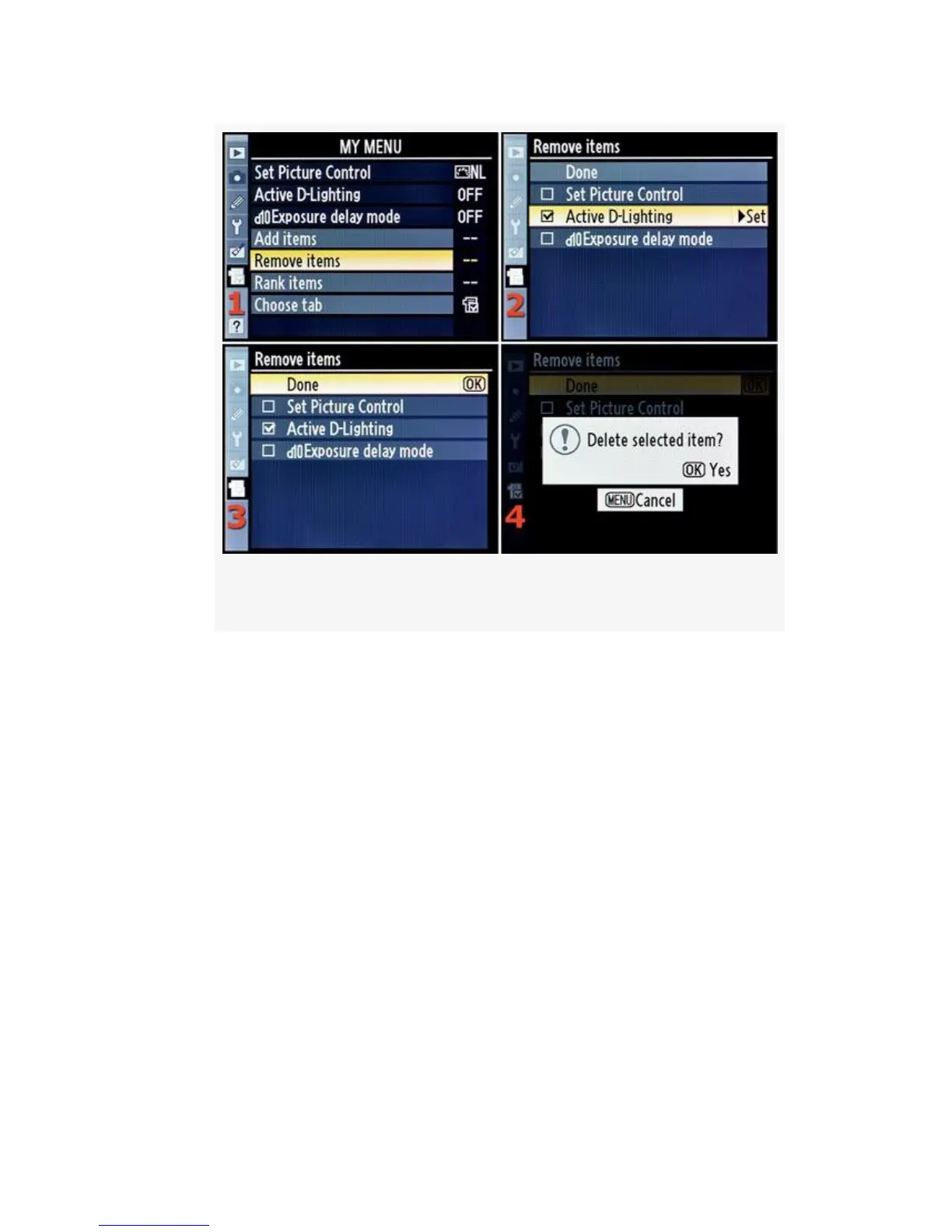
Figure 7-5. My Menu – Remove items
3. Once you’ve checked off the settings you want to
remove, simply scroll back up to Done and press the OK
button (see Figure 7-5, image 3). A small white box pops
up and asks, Delete selected item?
4. Press the OK button again, and the setting is removed
from My Menu. A box pops up informing you that the
item has been deleted, and then the D300(S) switches
back to the My Menu screen.
575



 To Next Page