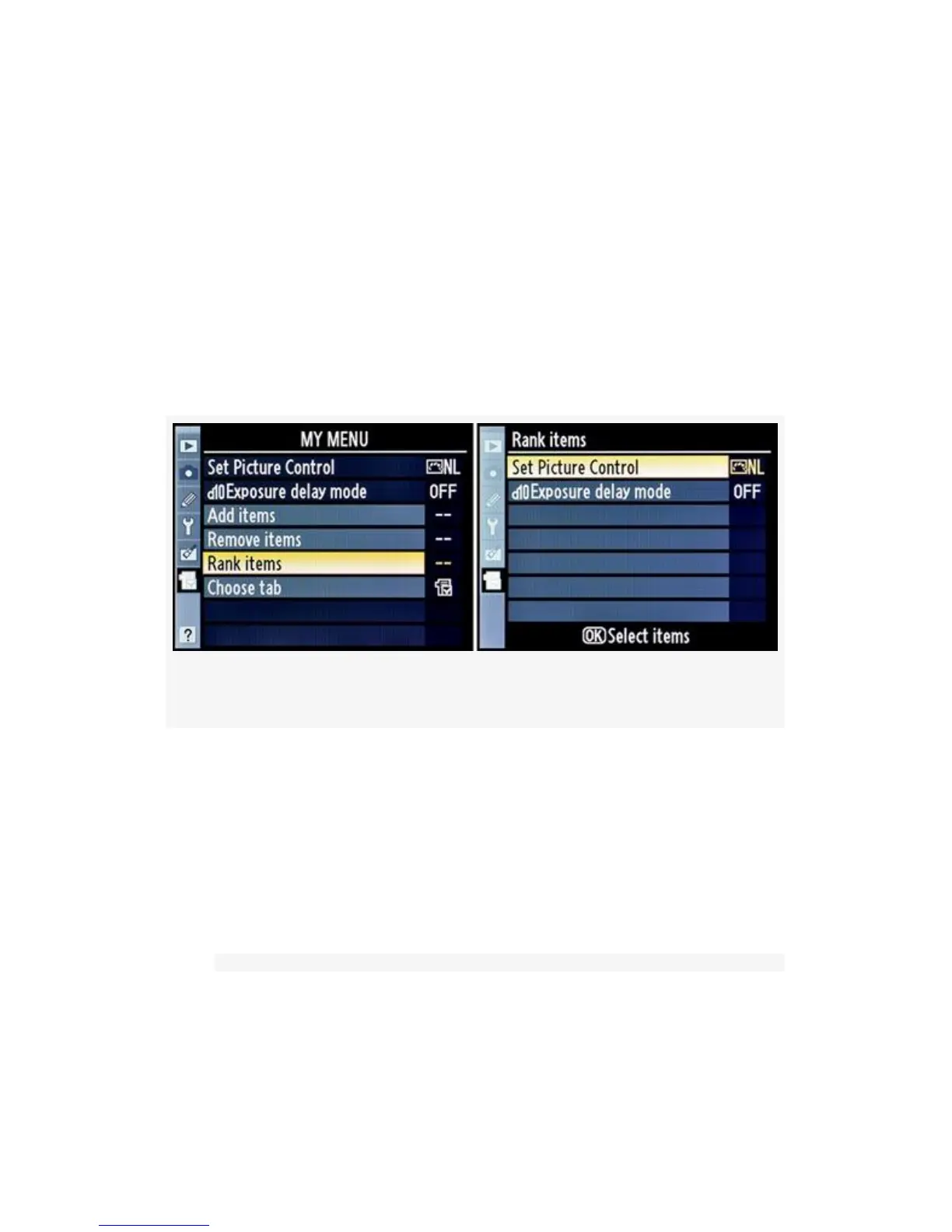
Rank Items
Ranking items works very similarly to positioning new
additions in My Menu.
All the Rank items selection does is move an item up or down
in My Menu. You can switch your most-used My Menu items
to the top of the list. Use these steps:
Figure 7-6. My Menu – Rank items
1. Select Rank items from My menu and scroll to the right
(see Figure 7-6, image 1).
2. Now you are presented with the Rank items screen and
all the current My Menu items (see Figure 7-6, image 2).
I’ve decided that Exposure delay mode is used more than
Set Picture Control, so I’ll move that to the top.
576



 To Next Page