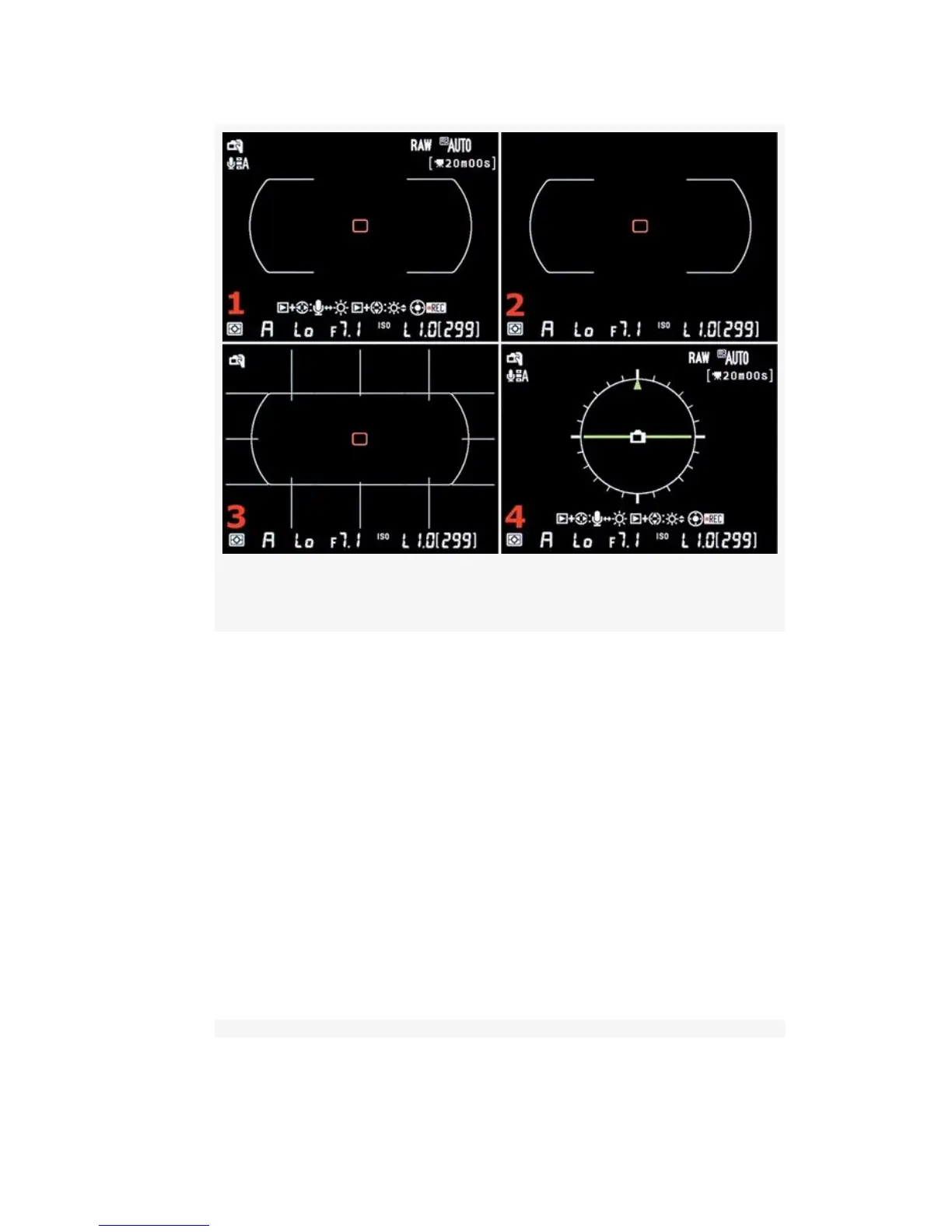
Figure 8-4. Live View – Hand-held mode
▪ LV Screen 2 (Figure 8-4 or Figure 8-5, image 2) – This
is a much cleaner screen with an almost blank area at the
top and a single line of information along the bottom.
You can see the autofocus type, which is determined by
the Live View mode you have selected. Hand-held mode
(Figure 8-4, image 2) shows the central 5 l-point
autofocus area in big rounded brackets, with a tiny red
AF point that can be moved around within the 51-point
area only. Tripod mode (Figure 8-5, image 2) shows a
bigger red focus square that can be moved to any point
on the screen for autofocus. The informational line at the
bottom is described in the text accompanying Figure 8-6.
594



 To Next Page