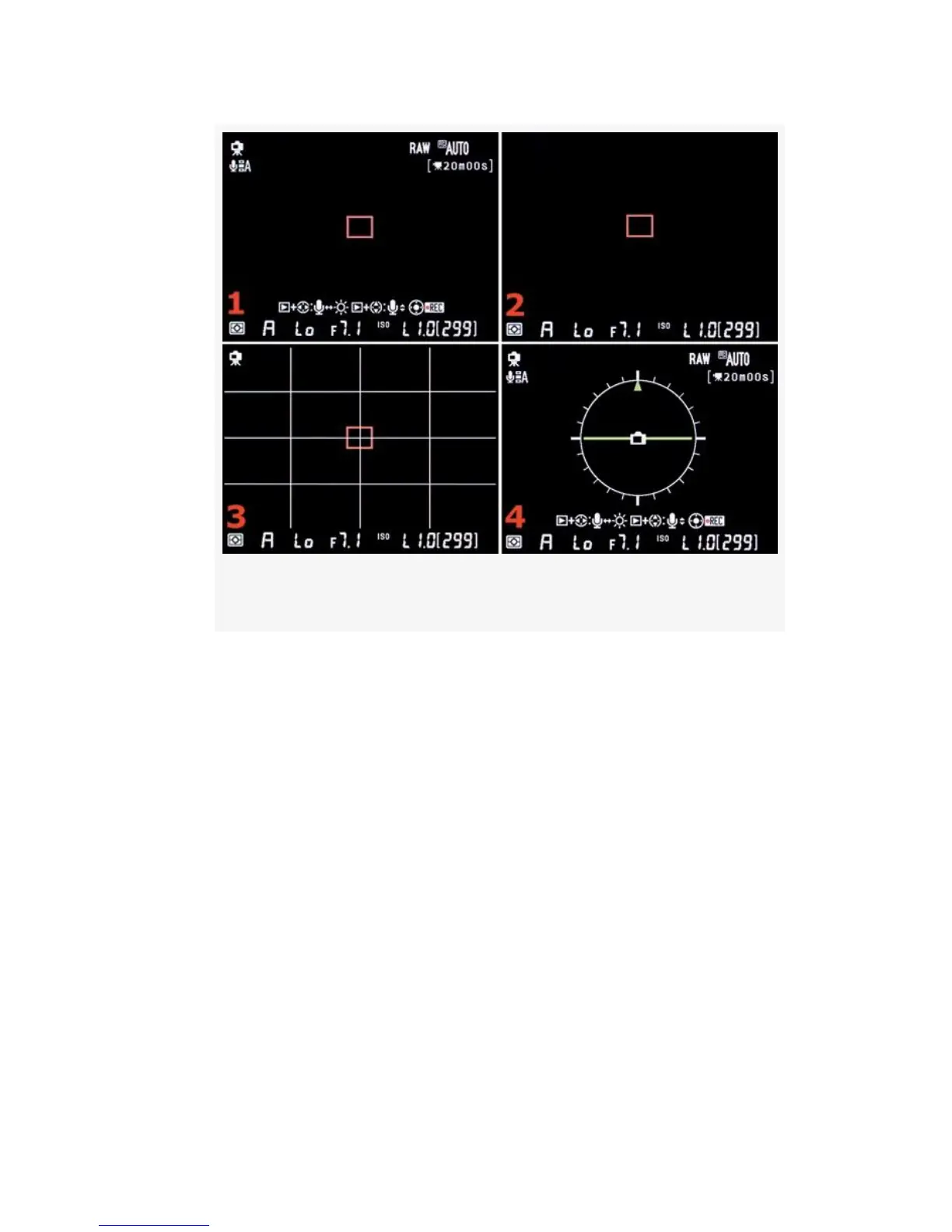
Figure 8-5. Live View – Tripod mode
▪ LV Screen 3 (Figure 8-4 or Figure 8-5, image 3) – This
screen is similar to the previous screen, except that grid
lines are added. Hand-held mode (Figure 8-4, image 3)
only shows the grid lines outside the 51-point AF area,
while Tripod mode (Figure 8-5, image 2) shows the full
set of grid lines across the entire screen. Use these grid
lines to level your subject in the Viewfinder, as is
necessary when photographing things like a horizon line
or a tall, upright pole. Again, the informational line at
the bottom is described in the text accompanying
Figure 8-6.
▪ LV Screen 4 (Figure 8-4 or Figure 8-5, image 4) – The
final screen (D300S only) displays the new Virtual
Horizon that allows you to level the camera in a
595



 To Next Page