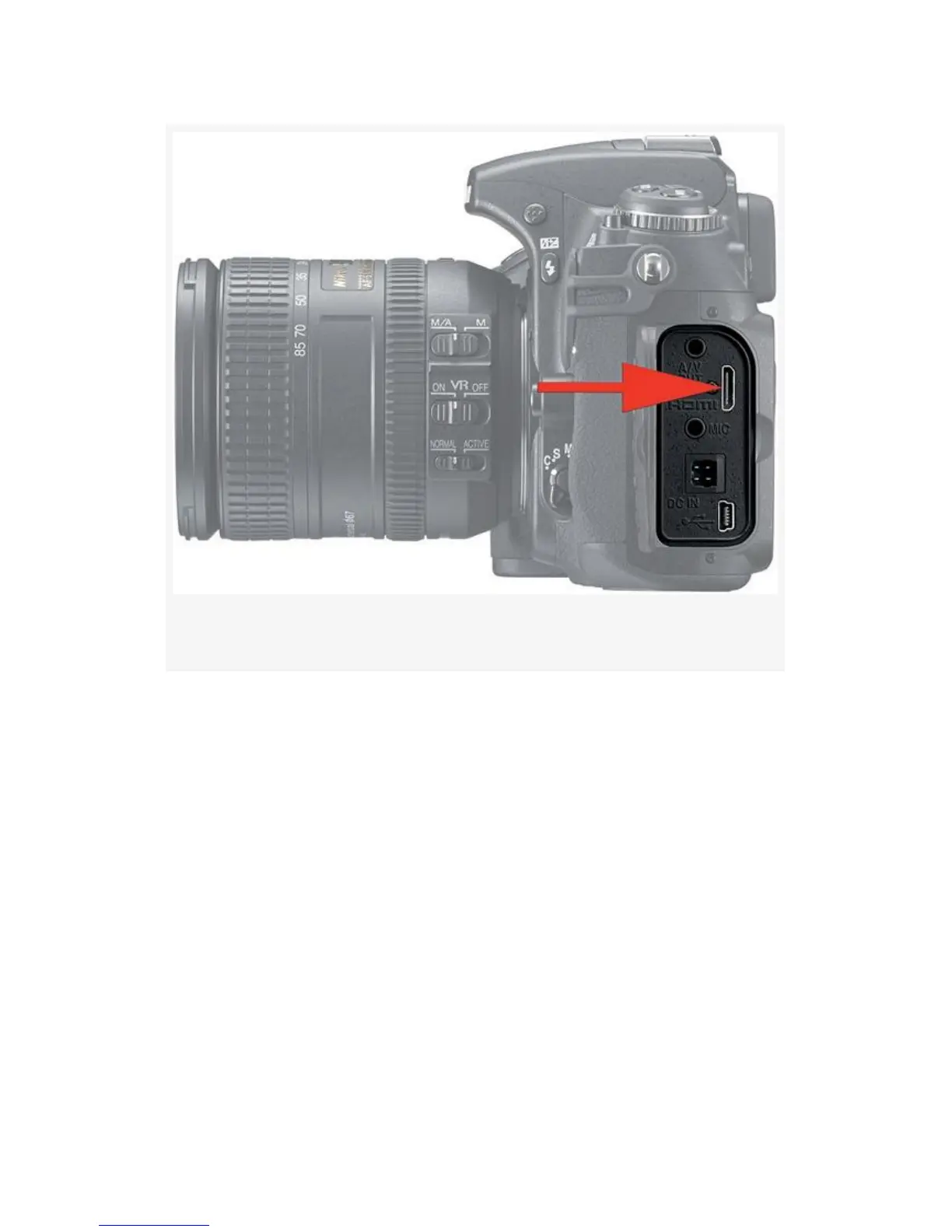
Figure 8-19. Mini HDMI port on D300S
Once plugged in, here are the steps to display a video on your
HDTV:
1. Turn your camera off temporarily. Why take a chance on
blowing up your camera from a static spark?
2. Open the rubber flap on the left side of your D300S and
insert the mini HDMI (Type C) cable end into the HDMI
port (see Figure 8-19).
3. Insert the HDMI Standard (Type A) cable end into one
of your HDTV’s HDMI ports. (Both video and sound are
carried on this one cable.)
4. Your HDTV may have multiple HDMI ports, and you
may have other devices connected, like a cable box or
624



 To Next Page