Figure 8-17. HDMI output format
2. Select one of the five available modes. (Not sure? Select
Auto!)
3. Press the OK button.
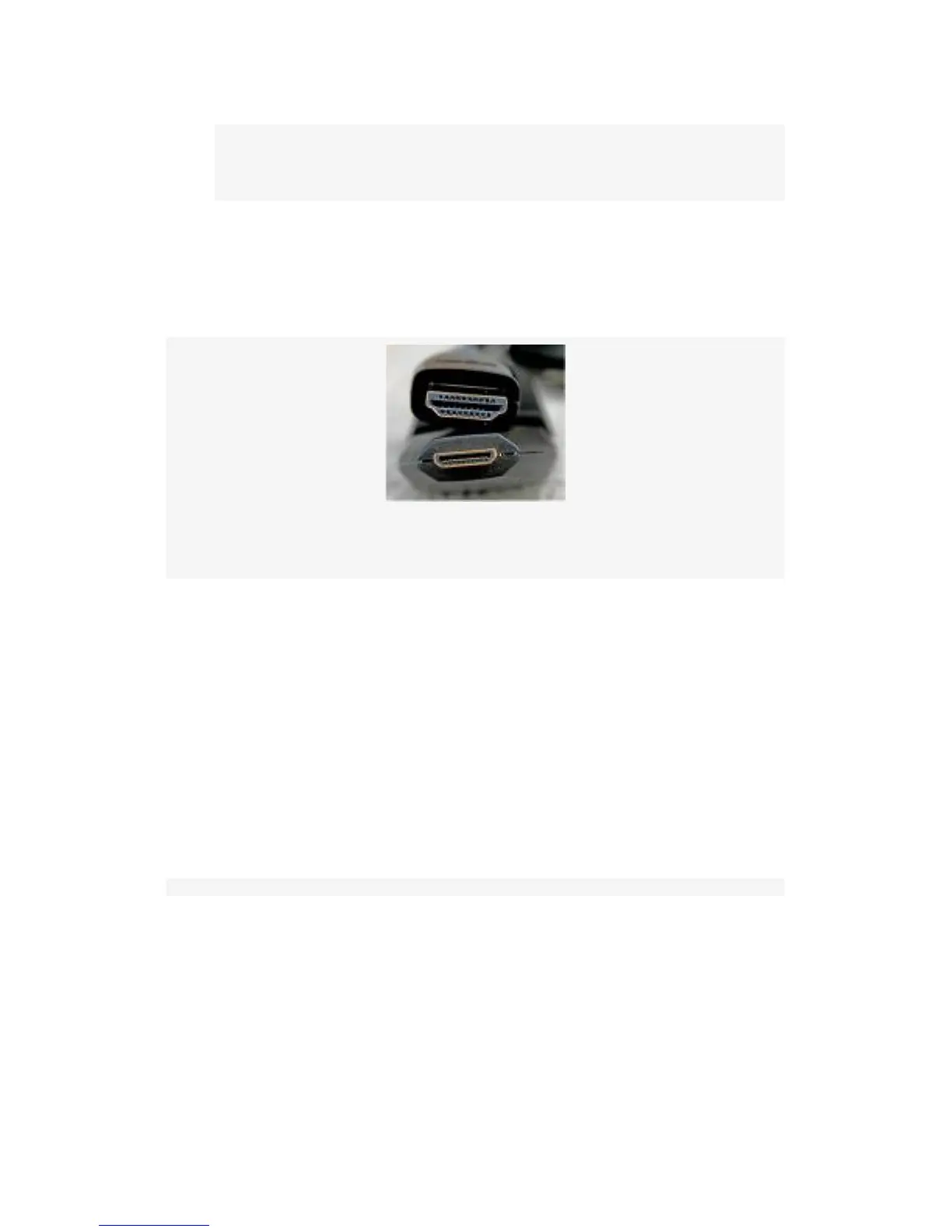
Figure 8-18. HDMI mini and standard cable ends
Now your camera is ready to output video on a compatible
HDTV. Figure 8-18 shows what compatible HDMI cable
ends look like. Unfortunately, you’ll have to purchase an
HDMI cable, since this is not included in the box with your
D300S. You’ll need to use a mini HDMI (Type C) to HDMI
Standard (Type A) cable. And, of course, you’ll need to plug
your HDMI cable into the correct port on the D300S. Here’s a
look at the port you’ll need to use with your HDMI Mini
(Type C) connector (see Figure 8-19).
623



 To Next Page