Method 1 – Manual White Balance
Using the WB Button
(User’s Manual – D300S page 134; D300 page 128)
Sometimes we might simply want to control the WB in a
totally manual way. This method and the next are basically
the same thing, except one sets the WB using a button and
dial and the other uses the camera’s menu system.
Each of these methods will allow you to set a particular WB
temperature. If you want your image to appear cool, medium,
or warm, you can set the appropriate color temperature, take
the picture, and then look at the image on the Monitor.
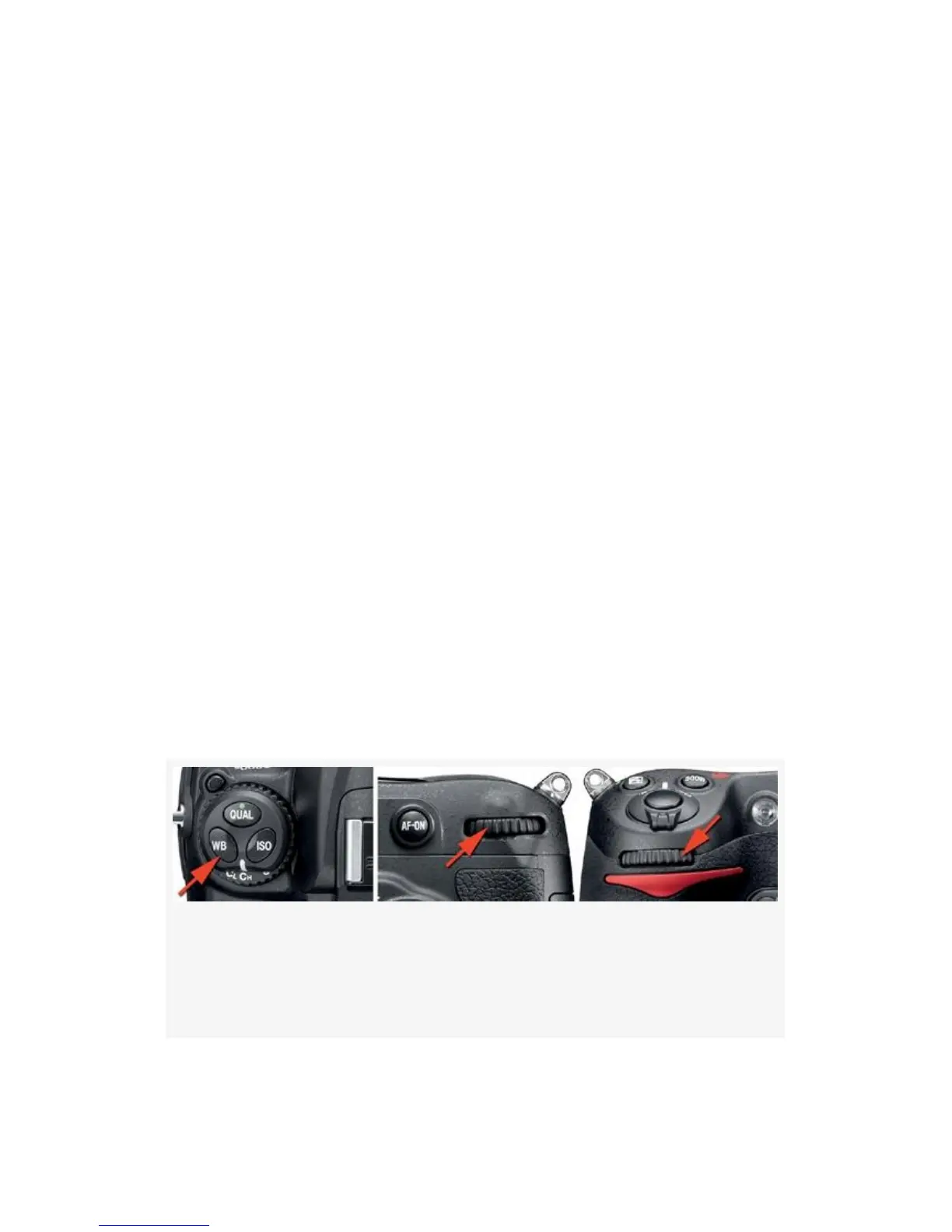
Figure 10-2 shows the external camera controls used to adjust
WB.
Here is how to manually choose a WB color temperature
value using the WB button, the Main command dial, and the
Control panel:
Figure 10-2. White balance external controls – White
Balance button (top); Main command dial (rear);
Sub-command dial (front)
680



 To Next Page