1. Press and hold the WB button on the top left of your
D300(S) (see Figure 10-2).
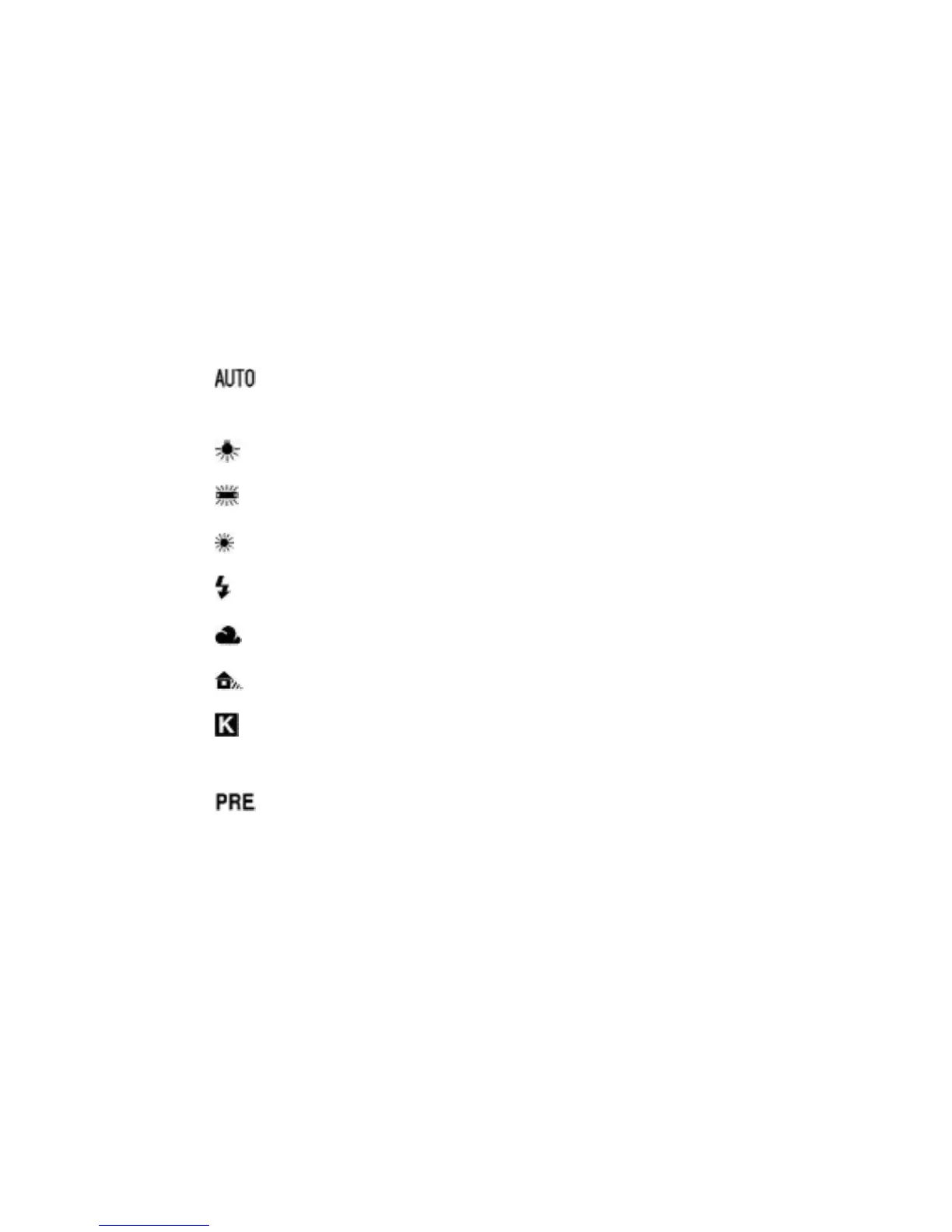
2. Rotate the Main command dial. The symbols shown
below will appear one at a time on the Control panel.
Each click of the dial will change the display to the next
WB setting. These symbols, options, and their Kelvin
values are as follows:
▪ AUTO Auto White Balance – 3500 – 8000K (A on
Control panel)
▪ Incandescent – 3000K
▪ Fluorescent – 4200K
▪ Direct Sunlight – 5200K
▪ Flash – 5400K
▪ Cloudy – 6000K
▪ Shade – 8000K
▪ K – Choose your own color temperature from 2500 to
10,000K
▪ PRE (Preset manual) – Use to measure WB for the
actual ambient light. If no measurement is taken, the
value used is whatever was last stored in camera
memory location d-0.
681



 To Next Page