Shutter-release button the rest of the way down and I’ve got
the shot!
Release Priority Settings
When you switch your D300(S) out of Single frame (S)
release mode, you must be aware of how Custom settings
a1 and a2 are configured. These two Custom settings are
for Focus priority and Release priority. These are not the
same as the Release modes, so don’t get confused. It’s
important that you understand these two release
“priorities” before you start using your camera on critical
shoots or some of your images may not be in focus at all. I
won’t cover that information in this chapter, but we’ve
looked at Custom settings a1 and a2 in detail in the chapter
titled Chapter 4. Please, be very sure that you understand
what they do! (Hint: Use Focus priority)
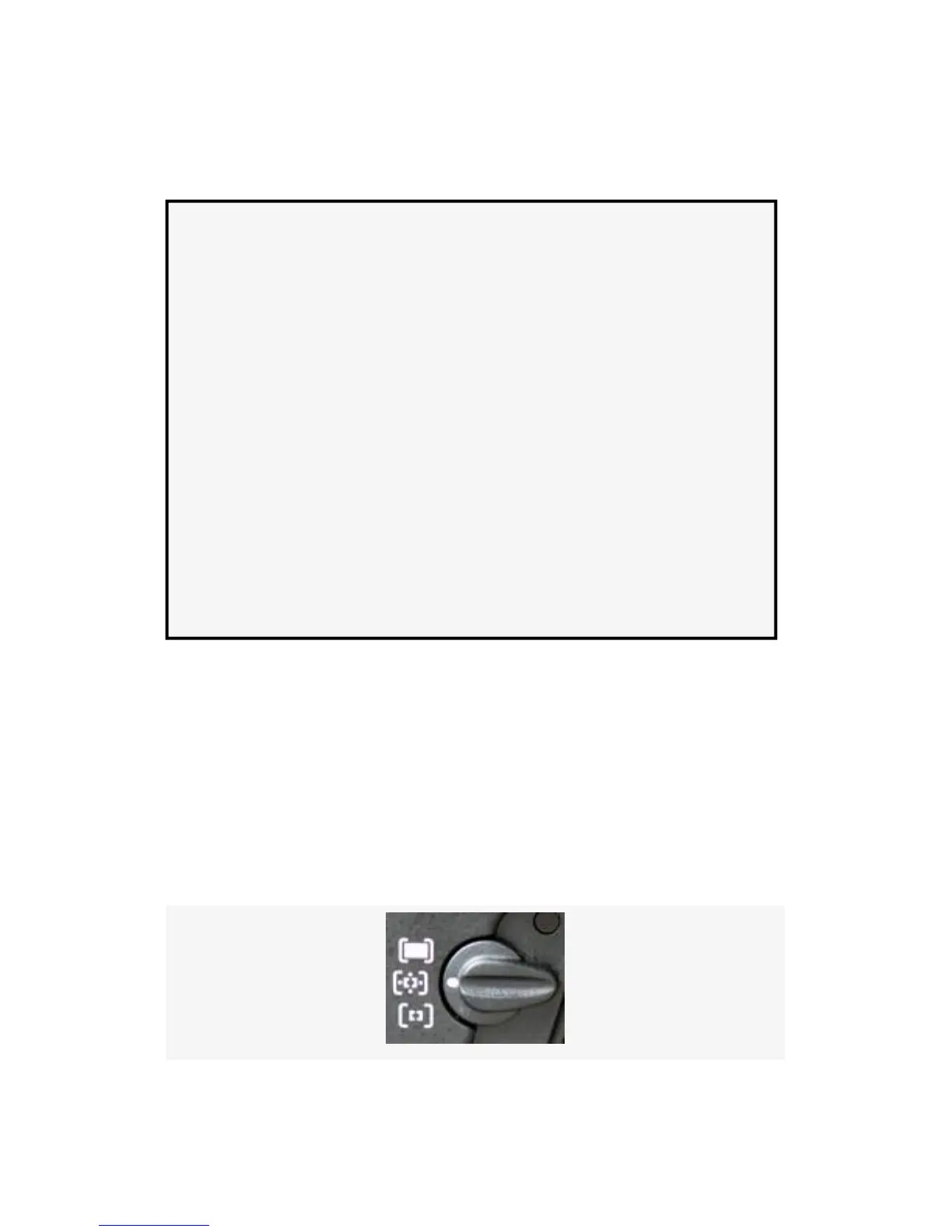
Dynamic-area AF
This mode is best used when your subject is moving. Instead
of a single AF point used alone for autofocus, several sensors
surrounding the one you have selected with the Multi Selector
are also active. Figure 11-6 shows the AF-area mode selector
in the Dynamic-area AF position.
724



 To Next Page