Figure 11-6. AF-area mode selector set to Dynamic-area AF
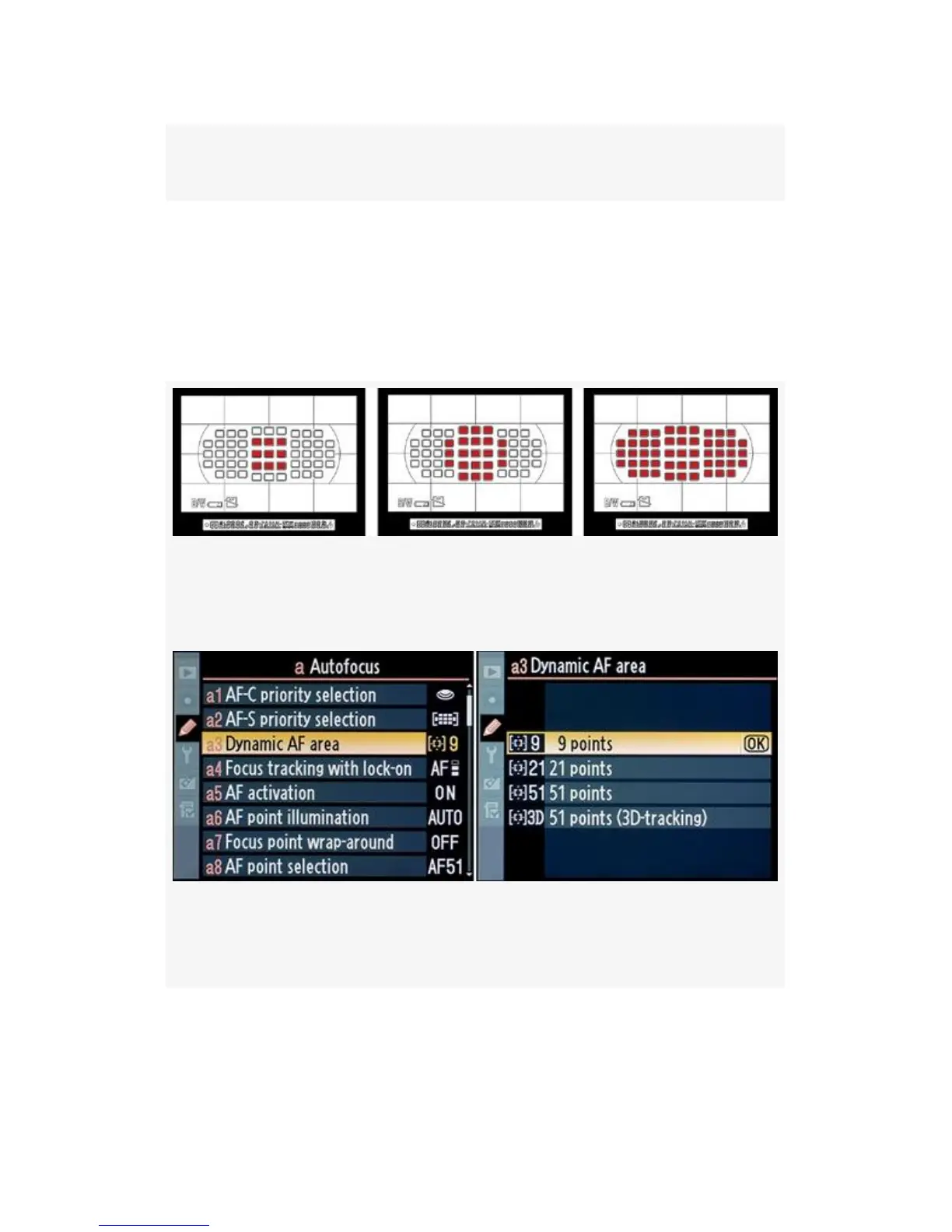
You can select the three different sensor patterns in Custom
setting a3 (see Figure 11-8). The three primary patterns are
represented in Figure 11-7. The first image shows 9 AF points
in use. The second shows 21 points, and the third shows all 51
points.
Figure 11-7. Three Dynamic-area AF point patterns (left to
right) – 9, 21, 51
Figure 11-8. Custom setting a3 – Dynamic-area AF point
patterns
You can, of course, move the first two patterns (9 and 21
points) around the Viewfinder with your camera’s Multi
Selector. Unfortunately, the camera only shows you the center
725



 To Next Page