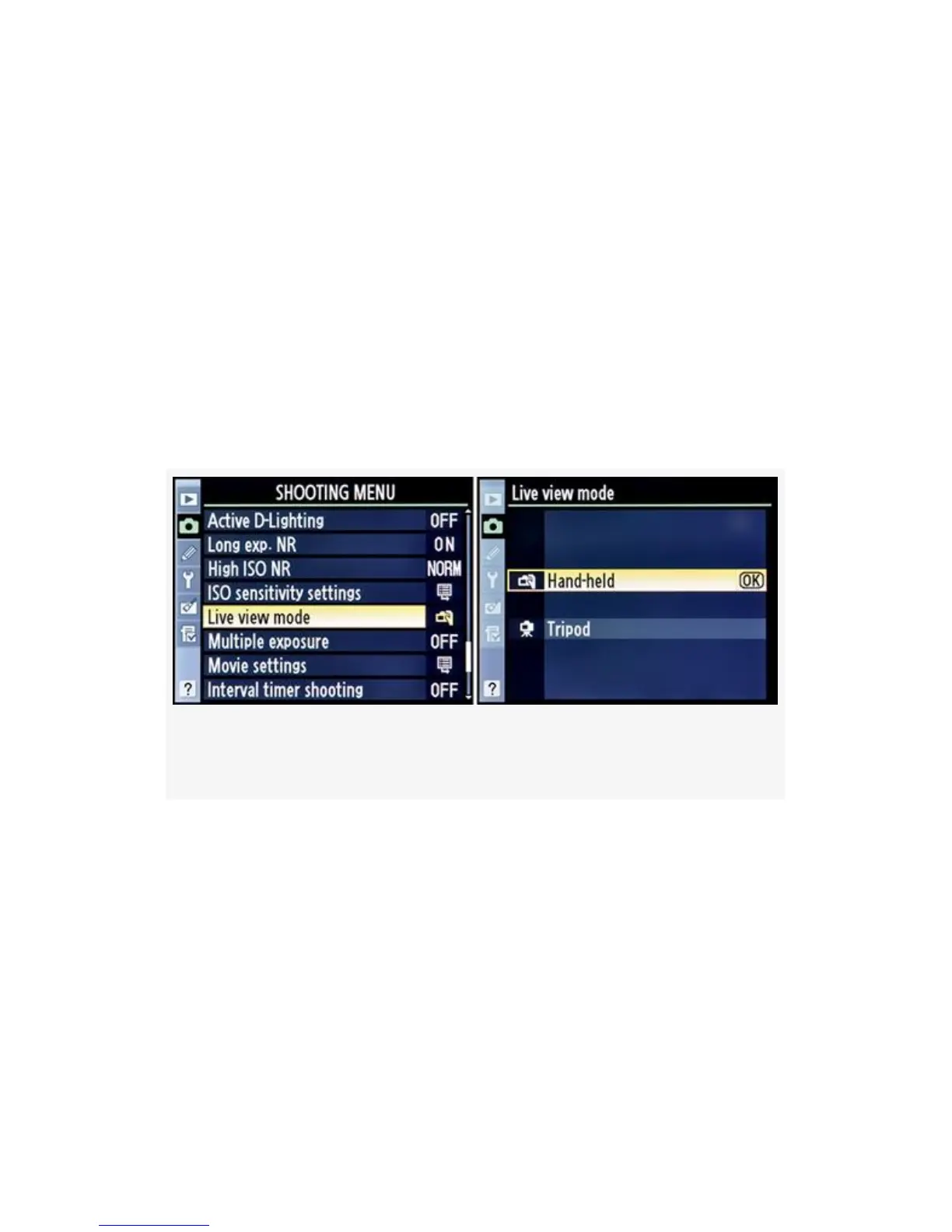
On the D300, you’ll set the Shooting Menu > Live view >
Release mode selection to Single frame, Continuous
low-speed, or Continuous high-speed (see Figure 11-14).
The cameras are quite different in how they initialize Live
view mode and in the screens used for its adjustment. Use
whichever FIG applies to your camera as a reference for using
Live view mode.
Following are the steps to use Live view mode after you’ve
selected it with the external camera controls and configured
the Release mode.
Figure 11-13. Choosing a Live view mode on the D300S
739



 To Next Page