48
s
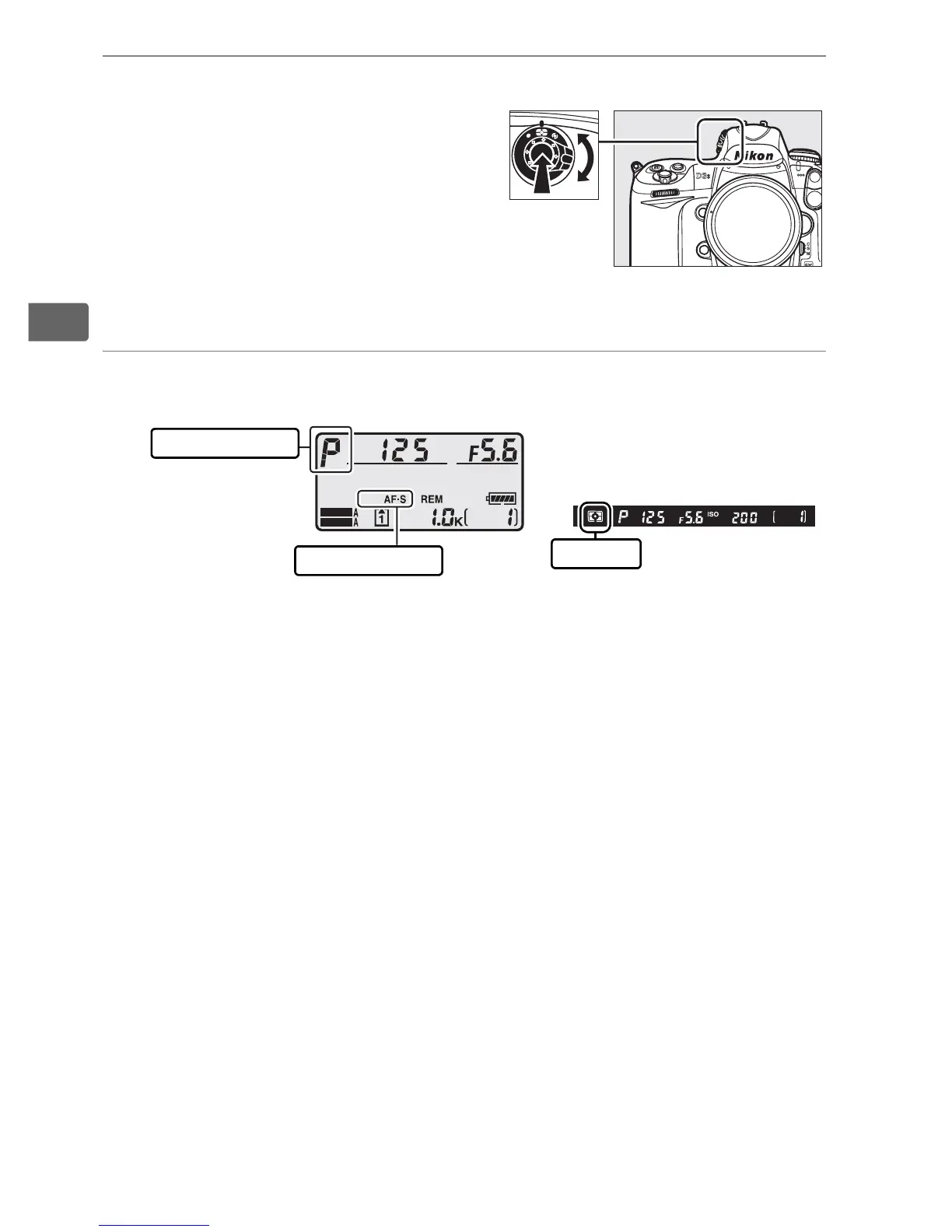
5 Choose matrix metering.
Press the metering selector
lock button and rotate the
metering selector to Y (matrix
metering).
Matrix metering
uses information from the
1,005-pixel RGB sensor to
ensure optimal results for the entire frame.
6 Check camera settings.
Metering selector
SHOOT
CUSTOM
Exposure mode
Focus mode
Metering
Top control panel Viewfinder display



 To Next Page