71
y
To turn the built-in or external microphone on or off or to
adjust microphone sensitivity, highlight Microphone and
press 2.
To turn sound recording off, highlight Microphone
off and press J.
To turn recording on and adjust microphone
sensitivity automatically, select Auto sensitivity (A).
Selecting any other option turns recording on and sets the
microphone to the selected sensitivity.
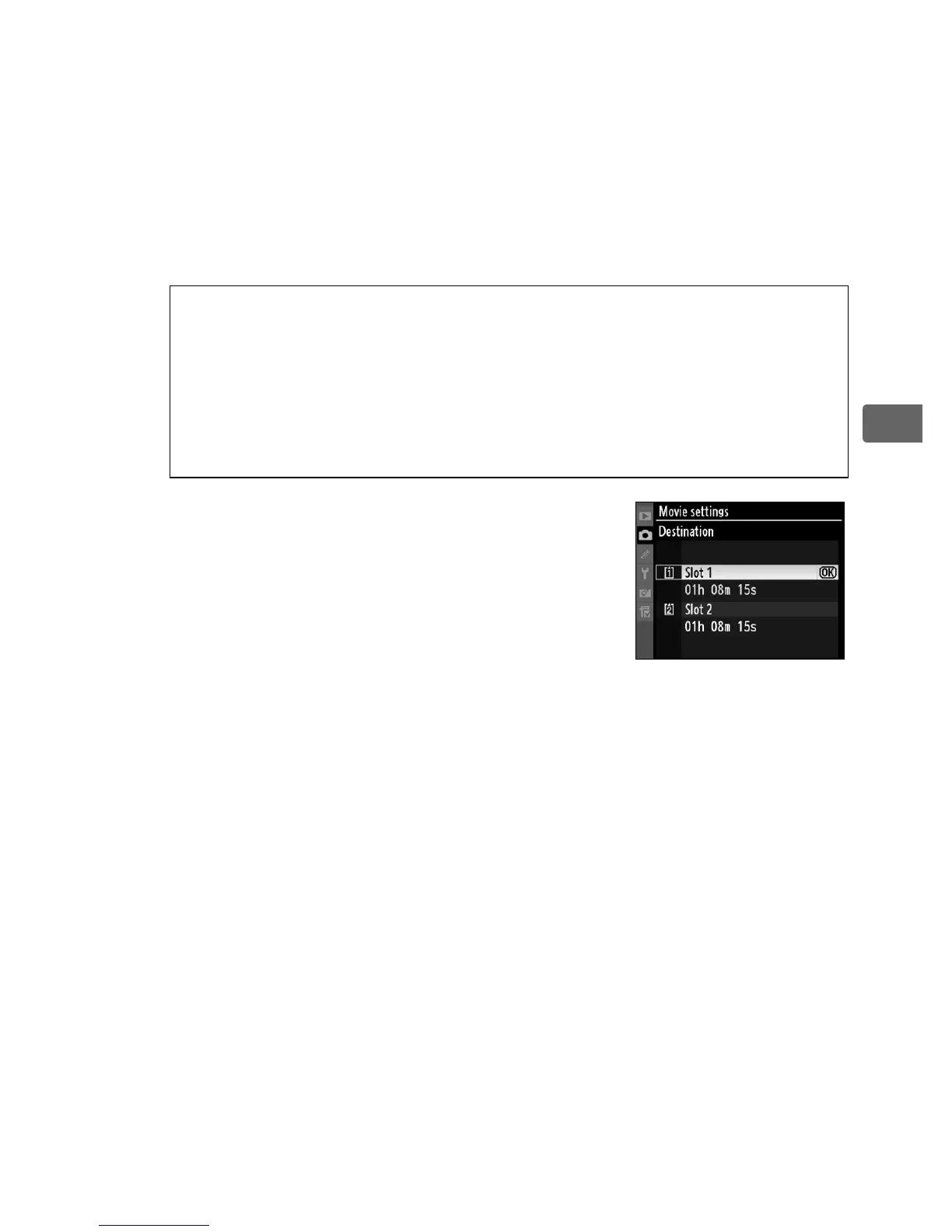
To choose a destination when using two
memory cards, highlight Destination
and press 2.
Select a slot and press J.
The menu shows the time available on
each card; recording ends automatically
when no time remains.
A Using an External Microphone
Instead of the built-in microphone, commercially-available external
microphones can be used to avoid picking up sounds produced by
the lens during focusing or vibration reduction.
Stereo recording is
available with any microphone that has a stereo mini-pin jack
(3.5mm diameter).



 To Next Page